On this page
- 10 Warning Signs
- 1. Your Checkout Slows Down or Crashes During Traffic Spikes
- 2. Your App Stack Has Ballooned Past What Makes Sense
- 3. You Are Hitting Hard Catalog or Variant Limits
- 4. Your Monthly App Bill Has Quietly Become a Second Rent Payment
- 5. Custom Development Costs Keep Climbing to Patch Around Limits
- 6. You Need Multi-Storefront or Multi-Currency Capabilities Natively
- 7. Your B2B and Wholesale Operations Have Outgrown Retail Tooling
- 8. Site Speed and Core Web Vitals Keep Failing No Matter What You Try
- 9. You Cannot Get the Integrations Your Business Actually Needs
- 10. Your Team Has Simply Outgrown the Platform's Ceiling
- How to Actually Decide: A Simple Ecommerce Replatforming Checklist
- Weigh the Cost of Switching Against the Cost of Staying
- Final Thoughts
- FAQs
You start noticing small cracks first. Checkout feels a little slower during a sale. Your app bill keeps climbing every quarter. Then one day you ask yourself if it is time to replatform your ecommerce store, and you realize you do not have a clear answer yet.
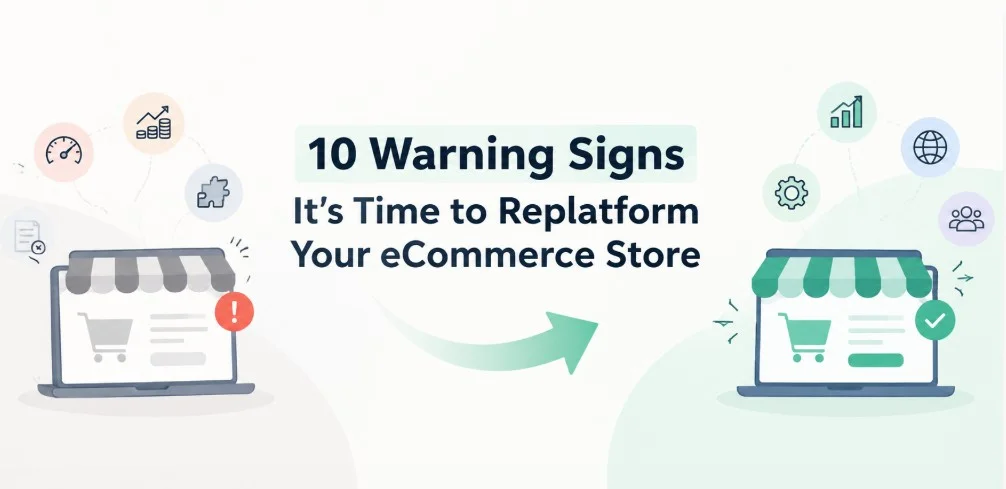
Commercetools' 2024 platform migration research says that only 14 percent of online stores report being completely satisfied with their current ecommerce platform. That number should make you pause. If most merchants are quietly unhappy, the real question is not whether your setup is perfect, but whether your pain points are normal growing pains or a genuine reason to replatform your ecommerce store. This guide walks through 10 warning signs, plus a simple checklist to sort real problems from small fixes.
10 Warning Signs
1. Your Checkout Slows Down or Crashes During Traffic Spikes
If your checkout struggles every time traffic jumps, that is one of the clearest signs you need to replatform. A slow checkout during BFCM or a viral moment costs real revenue, not just a bad customer experience.
Before you assume the platform is the problem, check your theme code and app scripts first. We have seen merchants blame the platform when three heavy apps were quietly loading unused code on every page. If performance issues persist after cleanup, that points toward a genuine reason to replatform your ecommerce store rather than another patch.
2. Your App Stack Has Ballooned Past What Makes Sense
Most stores start with five or six apps. Some end up running twenty five, each patching a small gap the platform does not cover natively. That is app bloat, and it slows your site while draining your monthly budget.
This is worth pausing on before jumping straight to a Shopify Plus migration. Sometimes the fix is consolidation, not a full platform move. A tool like MultiVariants can replace three or four separate variant and bulk ordering apps with one, which cuts both cost and page weight without any need to switch platforms yet.
3. You Are Hitting Hard Catalog or Variant Limits
Every platform has ceilings. Shopify raised its variant limit to 2048 per product, but older or lighter platforms cap out much lower and cannot support large apparel or industrial catalogs.
If your product data literally will not fit anymore, no amount of app stacking solves that. This is a structural sign you have outgrown your ecommerce platform, and it usually shows up first in variant-heavy categories like apparel, jewelry, or B2B parts catalogs. At this point, choosing to replatform your ecommerce store is less a preference and more a technical requirement.
4. Your Monthly App Bill Has Quietly Become a Second Rent Payment
A five hundred dollar app bill can creep up to fifteen hundred or two thousand dollars a month without anyone noticing, since each individual app fee looks small on its own. Add them up and it becomes a real budget line.
This alone is not always a reason to switch platforms. Run an audit first. If most of that spend covers native features you would get on a platform built for a business your size, that gap becomes real evidence you have outgrown your ecommerce platform and it is worth raising with leadership.
5. Custom Development Costs Keep Climbing to Patch Around Limits
When developers spend more time working around platform restrictions than building new features, something is off. Custom workarounds for basic functionality like B2B pricing or multi-warehouse inventory usually mean the platform was not built for your business model anymore.
We recommend tracking dev hours by category for two months. If most hours go toward patches rather than growth work, that is one of the clearer replatforming warning signs worth taking to leadership before costs climb further.
6. You Need Multi-Storefront or Multi-Currency Capabilities Natively
Selling into new regions or running separate B2B and B2C storefronts pushes many merchants past what their current setup handles cleanly. Duct-taped multi-store solutions tend to break during peak periods, right when you need them most.
If this describes your business, it may genuinely be time to switch to Shopify Plus rather than add another workaround app. Shopify Plus, for example, supports up to nine storefronts under one plan, which solves multi region selling cleanly for scaling brands.
This is usually the moment merchants start seriously asking is it time to switch platforms, because the workaround options simply run out. A Shopify Plus migration at this stage tends to pay for itself within a year once you count the hours saved on manual store syncing alone.
7. Your B2B and Wholesale Operations Have Outgrown Retail Tooling
B2B buyers expect bulk ordering, tiered pricing, and account based catalogs. A retail first platform without solid B2B extensions forces manual order processing, which does not scale past a certain order volume.
This is a common trigger for merchants who want to switch to Shopify Plus, since B2B features come more built in at that tier. Short of a full move, apps like DiscountRay can cover tiered and volume pricing gaps in the meantime while you weigh the bigger decision.
8. Site Speed and Core Web Vitals Keep Failing No Matter What You Try
Google's Core Web Vitals directly affect both rankings and conversion rates. If your Largest Contentful Paint and Interaction to Next Paint scores stay poor even after theme cleanup and app audits, the underlying platform architecture may be the actual ceiling.
This is worth confirming with a proper technical SEO audit before you commit to a full ecommerce platform migration, since sometimes hosting or CDN configuration is the real culprit rather than the platform itself. Only replatform your ecommerce store once that audit rules out the simpler fixes.
9. You Cannot Get the Integrations Your Business Actually Needs
ERP systems, specialized fulfillment partners, or industry-specific tools sometimes simply do not connect to smaller platforms. If your operations team keeps hitting "not supported" on integrations competitors use daily, that is a real limitation, not a preference issue.
This shows up most often for merchants who started small and have since outgrown Shopify or whichever platform they launched on years earlier. It is one of the more concrete signs you need to replatform, especially once it starts blocking new revenue channels.
10. Your Team Has Simply Outgrown the Platform's Ceiling
Sometimes there is no single dramatic failure. Instead, every team from marketing to fulfillment mentions the same platform limitations in weekly meetings, month after month. That accumulated friction is data too, even if it never shows up in a single report.
If you find yourself asking is it time to switch platforms more than once a quarter, trust that instinct enough to run a real audit. Teams that have quietly outgrown Shopify or another platform rarely resolve that feeling by waiting longer.
How to Actually Decide: A Simple Ecommerce Replatforming Checklist
Before you replatform your ecommerce store, separate symptoms from root causes. Run an app audit, a Core Web Vitals check, and a cost comparison across at least two platforms, including what a new ecommerce platform would actually cost you in year one.
Map out which of the 10 signs above genuinely apply to you, and how many. Hitting one or two signs usually means optimization first. Hitting five or more is a much stronger case to replatform your ecommerce store this year, especially if switching clearly removes several blockers at once instead of just one.
Talk to your team before you talk to a migration agency. Marketing, fulfillment, and customer support all feel platform limitations differently, and their input sharpens the checklist far more than guesswork from one department alone.
Weigh the Cost of Switching Against the Cost of Staying
It is easy to focus only on migration cost and forget the cost of doing nothing. Lost conversions from a slow checkout, wasted developer hours on workarounds, and app fees that duplicate native features all add up quietly in the background.
Build a simple one-page comparison. On one side, list your current monthly app spend, dev hours on patches, and any lost sales tied to the replatforming warning signs above. On the other side, estimate migration cost, new platform fees, and expected savings from consolidation.
If the gap between those two columns is small, staying put and optimizing is usually the smarter call. If the gap is large and growing every quarter, that is when leadership tends to approve the budget to replatform your ecommerce store without much pushback.
Do not skip talking to merchants who already made the move. Shopify Plus case studies and community forums are full of honest before-and-after numbers, and a thirty-minute call often reveals details no vendor deck will mention.
It also helps to set a review date rather than deciding in the middle of a stressful sales weekend. Pick a quiet month, walk through the checklist calmly, and let the data decide whether you replatform your ecommerce store or simply tighten up what you already have. Decisions made under pressure tend to get revisited a year later anyway, so a scheduled review usually saves both money and stress.
One more thing worth mentioning. Merchants who wait until a crisis forces the decision almost always pay more, both in migration fees and in lost sales during the scramble. Reviewing these signs twice a year, even briefly, keeps the decision proactive instead of reactive.
Final Thoughts
Deciding to replatform your ecommerce store is rarely about one bad week. It is about a pattern of friction that keeps showing up across checkout speed, app costs, catalog limits, and integration gaps, and the 10 signs above give you an honest way to check whether that pattern is real.
If only one or two of these signs sound familiar, an app audit and some configuration changes will likely solve it without the cost or risk of moving to a new ecommerce platform. If most of them sound familiar, start your ecommerce replatforming checklist now rather than waiting for a busy season to force the decision on you. Either way, get the diagnosis right before you spend a single dollar on migration work. Good luck!
FAQs
How long does it take to replatform your ecommerce store?
What does it typically cost to replatform?
Will my app costs go down after I replatform?
Is a slow checkout always a platform problem?
Can I replatform without losing my SEO rankings?
What is the difference between replatforming and just switching apps or themes?

Anika Anamta Mehnaz
This article is written by Anika Anamta Mehnaz, a Content Writer and Content Marketing Strategist specializing in Shopify, eCommerce, and SaaS. With over four years of content writing experience, she creates SEO and AI search-optimized content that helps Shopify merchants make better business decisions through practical, research-backed insights. Her work covers Shopify apps, product variants, bundles, discounts, B2B commerce, and conversion-focused strategies. Outside of work, Anika enjoys watching anime, reading John Grisham novels, and discovering new ideas in digital marketing and e-commerce. If you enjoy discussing Shopify, content marketing, or online growth, feel free to connect with her. Twitter: https://x.com/mehnaz2201 Medium: https://medium.com/@mehnaz_78932
Keep reading
View all articles →
How to Optimize Your Shopify Store for ChatGPT, Gemini, and AI Shopping
October 2, 2026 • 17 min read
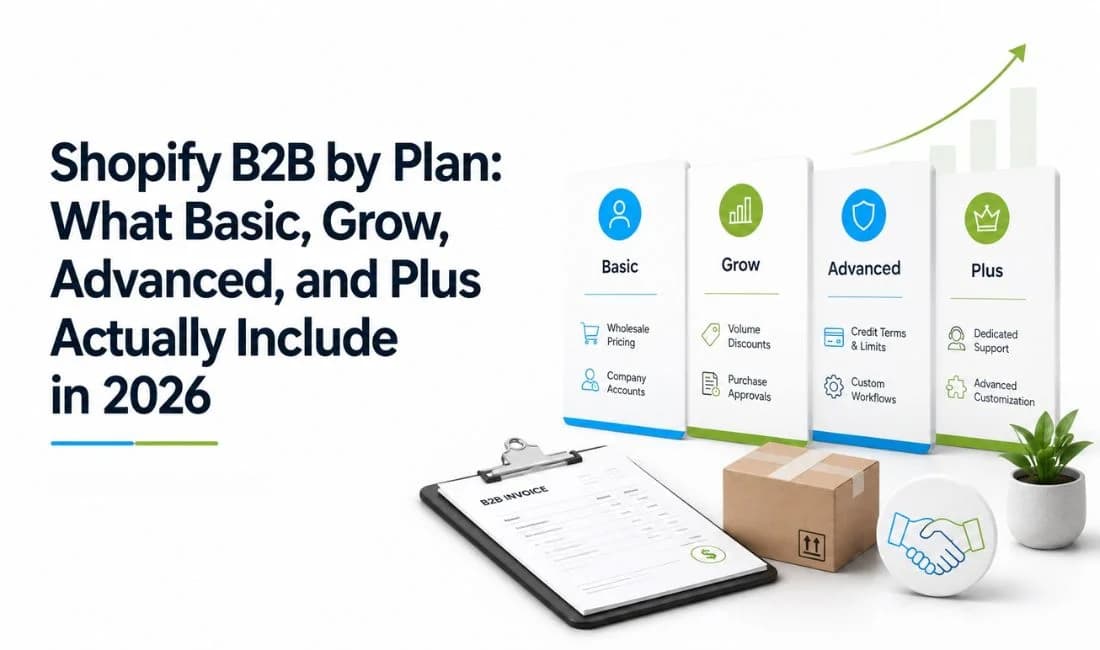
Shopify B2B by Plan: What Basic, Grow, Advanced, and Plus Actually Include in 2026
August 25, 2026 • 13 min read

How to Build Shopify BFCM Wholesale Strategy: Survive Bulk Order Spike
October 19, 2026 • 14 min read