On this page
- Key takeaways
- The three models
- Model 1: link out
- Model 2: the reseller sells its own stock
- Model 3: your checkout on their site
- When Model 3 is the wrong choice
- Step 1: Requirements
- Price: who decides?
- Commission: be specific
- Returns: think about the shop counter
- Tax and paperwork follow the seller
- Step 2: Setup
- Why the Buy Button usually isn't enough
- An embed app with partner tracking
- A sensible build order
- Reseller-specific offers
- Show the buyer a real cart
- Step 3: Edge cases
- Step 4: Test plan
- Step 5: Handoff
- What resellers will say, and how to answer
- Fitting embedded sales next to your other channels
- What to measure
- A worked example
- FAQ
Short answer: To sell through reseller and partner websites with Shopify, first decide who owns the sale. If the reseller buys and ships its own stock, use wholesale tools or, where both sides run Shopify, Shopify Collective. If the brand ships and the reseller earns a commission, embed the brand's Shopify products and checkout on the reseller's site with an embed app such as EmbedUp, give each reseller its own tracked components or codes, and agree in writing how pricing, returns and payouts work. Then test every reseller site on a phone before launch.
Most brands with a reseller network have the same quiet problem. Your dealers, stockists and partners have websites. Some of them get good traffic: a kayak shop with a popular paddling blog, a salon with a busy booking page, a bike workshop whose YouTube videos rank better than yours.
On most of those sites, your product appears as a photo and a sentence. If the visitor wants to buy, they get a "visit the brand" link, or a phone number, or a "pop into the shop" note. Each of those is a place where a ready buyer can drift away.
This guide is for brands that sell through resellers, and for the Shopify agencies and integration partners that build for them. It covers the requirements to agree before building, the setup, the edge cases, a test plan and what to hand over at the end.
Key takeaways
There are three ways a reseller's website can sell your product. Pick one per reseller before choosing tools.
The key question is who owns the sale: who's the seller, who ships, and who handles the return.
Shopify's Buy Button channel is free on every plan and lets you put products on external sites, but it gives you no way to track or pay individual resellers.
Shopify Collective lets one Shopify store sell another's products, but both stores need to be on Shopify, in the same country and currency, among other requirements (Shopify Help Center).
An embed app can put your products and checkout on any reseller site, and some, such as EmbedUp's Pro plan, add per-partner tracking and commissions.
Pricing on reseller sites has legal edges. In the US, the FTC notes that the key word in a manufacturer's retail price is "suggested", and that a dealer is free to set the retail price of the products it sells (FTC). Get advice before you write price rules into a reseller agreement.
The three models
Before choosing an app, choose a model. A brand can run different models with different resellers, but each reseller should know which one they're in.

Model 1: link out
The reseller's site shows your product and links to your store. This is the simplest model, and the weakest. The buyer has to start again on a different site, and the reseller gets nothing unless you set up affiliate tracking.
It's fine for resellers who don't sell online at all, or for a "where to buy" page that lists both online and local options.
Model 2: the reseller sells its own stock
The reseller buys from you at a wholesale price, holds stock and sells on its own site at its own price. You're the supplier; they're the seller. This is classic wholesale.
If the reseller also runs Shopify, Shopify Collective is worth a look. It lets a retailer sell a supplier's products from its own Shopify store, with the supplier shipping to the customer. Check the requirements carefully: the retailer's store must be in a supported country, it must share the supplier's country and currency, Shopify Payments must be set up, and the app doesn't support digital products, gift cards or pickup in store.
If the reseller isn't on Shopify, Model 2 runs through your wholesale process, not your website. Our eFoli guide to Shopify wholesale setup covers that journey.
Model 3: your checkout on their site
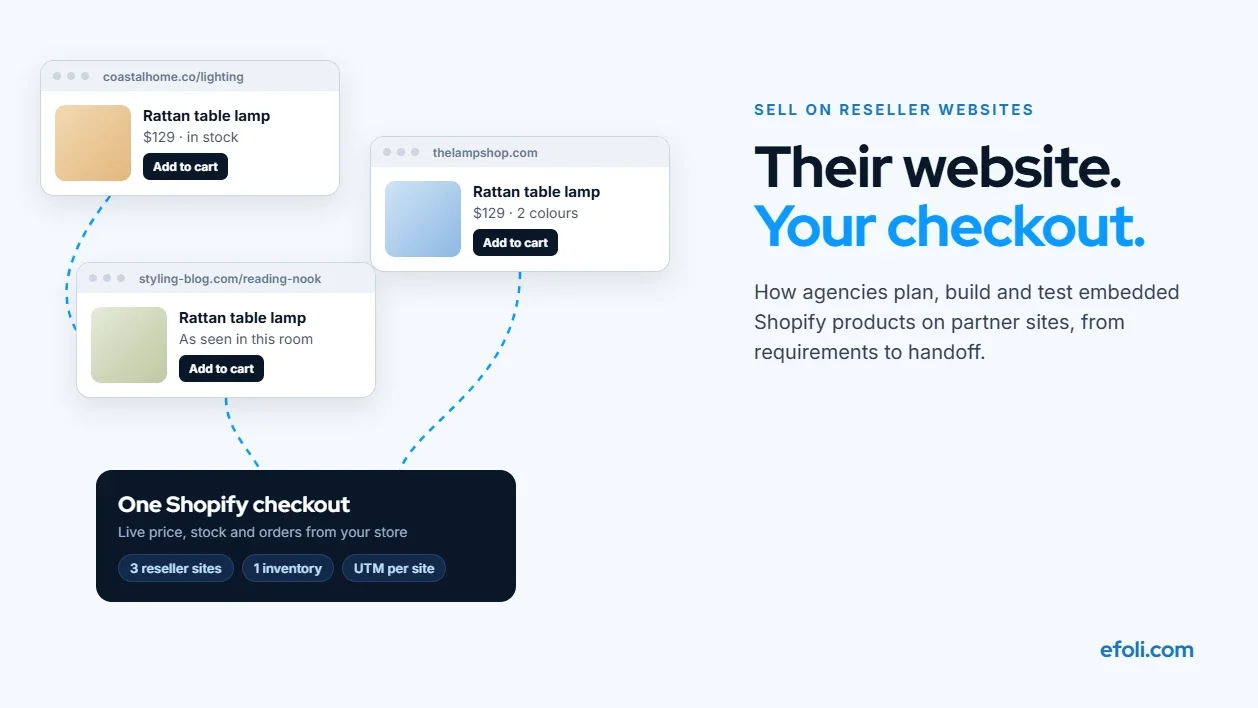
The reseller's site shows your product with a live price and an add-to-cart button. The buyer checks out through your Shopify store without leaving the reseller's page. You own the sale and ship the order. The reseller earns a commission or a referral fee.
This is what people usually mean by embedded commerce. It suits resellers with good content and traffic but no wish to hold stock, such as specialist bloggers, consultants, installers, studios and small shops with thin margins on your product.
When Model 3 is the wrong choice
Embedded checkout isn't right for every reseller. Skip it when the reseller's value is advice and fitting in person, such as a bike shop that sizes every frame, because the buyer needs the visit, not a button. Skip it when the reseller already sells your full range profitably from stock, because you'd only be moving sales from their till to yours. And skip it when their website gets almost no visitors. A component nobody sees costs you setup time and earns nothing.
The rest of this playbook is mainly about Model 3, because that's where most of the build work sits.
Step 1: Requirements
The technical setup is the easy part. The hard part is agreeing the rules. Get these answers in writing before anyone writes a line of code.

Decision | Questions to answer |
|---|---|
Seller of record | Whose name is on the receipt? Whose terms and privacy policy apply? |
Fulfilment | Who ships, from where, and in what packaging? |
Price | Who sets it? Can the reseller run its own offers? |
Commission | How much, on which products, and is it paid on net or gross? |
Payout | How often, by what method, and after what return window? |
Product range | Which products can each reseller show? |
Stock | What happens when a product sells out? |
Returns | Where does the customer return to: the brand, or the reseller's shop? |
Support | Who answers "where's my order?" |
Tracking | How is each sale credited to the right reseller? |
Brand rules | What can the reseller change about how products look? |
Ending | What happens to embeds and unpaid commission if a reseller leaves? |
Three of these deserve more thought.
Price: who decides?
In Model 3, it's your sale. The buyer pays you, through your checkout, at the price your store shows. That's different from Model 2, where the reseller owns the stock and the price.
Resellers in Model 2 often sell your products below your listed price, and brands often want to stop that. Be careful. The FTC's guidance on manufacturer-imposed requirements explains that in the US such vertical price programmes are judged case by case, and that some state laws and other countries treat minimum resale prices more strictly. Mixing models can confuse this, so if price is part of your reseller agreement, get legal advice in each market where you sell.
Commission: be specific
"10% on sales" sounds clear until someone asks: before or after discounts? Including shipping? What about refunds? What if the same buyer clicks two resellers' links?
Write it as a formula. For example: 10% of the product subtotal after discounts, excluding shipping and tax, on orders not refunded within 30 days, credited to the reseller whose component the buyer used to add the product.
Returns: think about the shop counter
If a reseller has a physical shop, buyers will try to return your product there, even if they bought it through your checkout. Decide whether the reseller can accept it, and how they'll be reimbursed. Otherwise your best stockists end up handling your returns for free.
Tax and paperwork follow the seller
Because you're the seller in an embedded model, the order is your order for tax purposes too. Your Shopify store calculates and collects tax the same way it does for any other order shipped to that address. The reseller's commission is a separate payment from you to them, usually invoiced monthly. Ask your accountant how commissions should be recorded in your country, and make sure resellers know they shouldn't charge their visitors anything on top.
Step 2: Setup
Why the Buy Button usually isn't enough
Shopify's Buy Button sales channel is included on every Shopify plan. It lets you add products to an external website so customers can buy without leaving the page, and product changes in your admin update the button automatically.
For one or two partner sites, that might be all you need. For a reseller network, it falls short in ways that matter: there's no built-in way to give each reseller their own tracked placement, report their sales or calculate their commission. Our EmbedUp team lists the other gaps in its post on Shopify Buy Button limitations.
An embed app with partner tracking
EmbedUp is an embed app built by our team. Its App Store listing describes product and collection components that let customers browse and check out on an external page, and says it works with WordPress, Webflow and Wix, as a web component and with headless sites. For a reseller network, the relevant plan details are:
Growth ($14.99 a month at the time of writing): up to 10 components, one-click add of all items to cart, preset bundles, an inventory check before checkout, and custom CSS so components match each reseller's site.
Pro ($29.99 a month): up to 50 components, affiliate partner management, assigning components to affiliates, affiliate sales and commission tracking, campaign analytics with UTM tracking, and order-level attribution and reporting.
The component count is the number to plan around. If each reseller gets two components, a product grid and a featured bundle, 50 components covers about 25 resellers on one store.

A sensible build order
Pick the first three resellers. Choose ones with real traffic and a site you can access. Don't launch to the whole network at once.
Create a component per reseller. Use only the products in that reseller's agreed range.
Assign each component to its reseller so sales are credited automatically.
Add UTM tags to every link, using a consistent naming pattern such as
utm_source=reseller-nameandutm_medium=embed. Google's guide to collecting campaign data with custom URLs explains the parameters.Style each component to fit the reseller's site, within your brand rules.
Install on the reseller's site. Send a short install guide, or do it with their web person on a call.
Run the test plan in Step 4 on each site before the reseller promotes it.
Reseller-specific offers
Some resellers want to give their audience a special price, such as 10% off for a club's members. Use unique discount codes per reseller rather than one shared code. DiscountRay, another of our apps, lists bulk and personalised discount codes on its Growth plan ($14 a month), and targeting by country, cart value and order history on Pro. Unique codes also give you a second way to credit sales if a buyer clears their cookies between clicking and buying.
Show the buyer a real cart
Embedded checkout works when it feels like part of the reseller's site. A cart drawer that opens on the same page, shows the products and goes straight to checkout keeps the buyer where they started.

Step 3: Edge cases
These are the situations that cause reseller disputes. Decide each one now.
The reseller also stocks the product. A shop that holds your stock and embeds your checkout is competing with itself. Decide which products are embedded and which are sold from their shelf, or pay a commission on embedded sales that's close to their wholesale margin, so they don't mind which one the buyer uses.
A product sells out. Your checkout should never let a buyer pay for something you can't ship. EmbedUp's Growth plan lists an inventory check before checkout. Also decide what the reseller's page shows: hide the product, show "sold out", or suggest an alternative.
Prices change. Live components update when your Shopify prices change, which is good. But if the reseller wrote "only $89" in their article text, that sentence won't update. Ask resellers not to write prices into copy, and tell them before planned price changes.
Sale events. During your Black Friday offer, do reseller sites show the sale price? Usually yes, because it's your checkout. Tell resellers in advance so they can promote it. Our EmbedUp team's guide to updating external product placements as offers change covers the timing.
The reseller redesigns their site. Embed code disappears in redesigns more often than you'd think. Check each reseller site monthly, and after any redesign.
Strict site security settings. Some sites use a content security policy that blocks third-party scripts. If a component doesn't load, ask the reseller's developer to check it first.
Cookie banners. On sites with consent banners, tracking may depend on the visitor's choice. Don't rely on cookies alone to credit sales. Assigned components and unique codes are more robust.
Different countries. If a reseller's audience is in another market, check that your store sells and ships there, in the right currency, before you put a buy button in front of them.
A reseller leaves. Agree what happens: the components are switched off, and commission on unrefunded orders is paid at the next payout.
Step 4: Test plan
Test on each reseller's live site, on a phone and a desktop, with real products.

# | Test | Pass looks like |
|---|---|---|
1 | Load the reseller page on a phone | Component loads in under a few seconds and fits the layout |
2 | Add one product | Cart drawer opens on the same page |
3 | Add a bundle or several products | All items in cart with correct prices |
4 | Go to checkout | Your Shopify checkout opens with the right items |
5 | Complete a test order | Order in Shopify, credited to the right reseller |
6 | Check UTM data | Visit shows the reseller as source |
7 | Use the reseller's code | Correct discount, credited to the reseller |
8 | Set a product to 0 stock | Can't be bought; page shows the agreed message |
9 | Change a price in Shopify | Reseller page shows the new price |
10 | Reject cookies, then buy | Sale still credited by component or code |
11 | Refund the test order | Commission reverses |
12 | Load the page with ad blockers on | Component still shows, or fails gracefully |
Keep the test orders. They're the easiest way to show a reseller that tracking works when they ask, months later, why their numbers look low.
Our EmbedUp team has a full QA workflow for testing product embeds, written for BFCM but useful any time.
Step 5: Handoff
When the build is done, two groups need documents: the brand's own team, and the resellers.
For the brand's team:
A list of every reseller, their component, their UTM source and their code.
The commission formula and payout schedule.
A monthly check routine: load each reseller page, check for broken components, review sales and refunds by reseller.
How to add a new reseller and how to switch one off.
For each reseller, a one-page kit:
How to install the component, or confirmation that it's installed.
What not to change: product names, prices in copy, the component code.
How they get paid, how often, and how to check their sales.
Who to contact when something looks wrong.
If you're choosing between embed tools for this project, our EmbedUp guide on how to choose a Shopify embed app in 7 checks is a good scoring sheet to share with the brand.
What resellers will say, and how to answer
Even good resellers push back. Here are the objections you'll hear most, and honest answers.
"You're taking my customers." In Model 3, the buyer is the brand's customer for that order, so say so clearly. The answer is fair commission, and a promise not to retarget their audience with offers that undercut them. Put both in the agreement.
"I make more selling my own stock." Often true. Embedded selling isn't meant to replace their stock. It covers what they don't stock: the full colour range, bulky items, special orders. Let them keep shelf stock for walk-in customers.
"My web person won't add code." Make it as small a job as possible. A single component, installed on a call, takes minutes on most site builders. Our EmbedUp guide to embedding Shopify products on WordPress is a good thing to send.
"How do I know you're tracking properly?" Give them a test order on day one, and a monthly statement. Transparency is cheaper than a dispute.
Fitting embedded sales next to your other channels
Embedded selling sits alongside your own store, your ads and any affiliate programme. A few rules keep them from tripping over each other.
Don't compete for the reseller's audience. If you run ads, exclude visitors who came through a reseller component from aggressive retargeting with discounts the reseller can't offer. Otherwise the reseller does the work and your ad takes the credit.
Keep affiliates and resellers separate. An affiliate sends traffic with a link. A reseller is a business partner with a shop, a reputation and often your stock. They need different terms. Our EmbedUp post on affiliate links vs embedded product selling explains which partners suit which approach.
Use one source of truth for products. Product names, images and prices on reseller sites should come from your Shopify catalog, not from copies a reseller saved last year.
What to measure
Review these numbers monthly, per reseller:
Orders and revenue credited to each reseller.
Conversion rate from component views to orders, where your app reports views. A low rate on a busy site often means the component is buried at the bottom of the page.
Refund rate. A reseller with unusually high returns may be overselling, or the wrong products may be on their page.
Commission as a share of revenue, to check it matches what you expected.
Broken embeds found. If you find one every month, ask why.
Share each reseller's numbers with them. Resellers who see their own results tend to move the component to a better spot on their page, which helps you both.
A worked example
This is a made-up but typical setup. A brand selling premium paddle sports gear has 40 stockists. Six of them run content-heavy websites: two paddling schools, a touring blog and three shops with active "trip reports".
Model: the six content sites use Model 3. The other 34 stay on wholesale and appear on a "where to buy" page.
Range: each content site embeds 8 to 15 products relevant to its audience. The touring blog gets dry bags and navigation gear, not race boats.
Commission: 12% of product subtotal after discounts, excluding shipping, paid monthly after a 30-day return window.
Codes: each paddling school gets a unique 10% code for its students.
Returns: online returns go to the brand. The three shops can accept a return in person and are credited the refund amount plus a handling fee.
Tracking: one assigned component per site, UTM tags, and the school codes as a backup.
The first month's surprise was the touring blog. It had the smallest audience but the highest conversion, because readers arrived planning a specific trip. The brand added a "multi-day trip kit" bundle to that site's component.
FAQ
Can resellers sell my Shopify products on their own websites?
What's the difference between embedded commerce and wholesale?
Is Shopify's Buy Button enough for a reseller network?
How do I track which reseller made a sale?
Does Shopify Collective work with resellers on WordPress?
Who handles returns for embedded sales?
Can I control what price resellers charge?
How many resellers should I start with?
Do resellers need a Shopify store to embed my products?
What commission should I pay resellers for embedded sales?

Anika Anamta Mehnaz
This article is written by Anika Anamta Mehnaz, a Content Writer and Content Marketing Strategist specializing in Shopify, eCommerce, and SaaS. With over four years of content writing experience, she creates SEO and AI search-optimized content that helps Shopify merchants make better business decisions through practical, research-backed insights. Her work covers Shopify apps, product variants, bundles, discounts, B2B commerce, and conversion-focused strategies. Outside of work, Anika enjoys watching anime, reading John Grisham novels, and discovering new ideas in digital marketing and e-commerce. If you enjoy discussing Shopify, content marketing, or online growth, feel free to connect with her. Twitter: https://x.com/mehnaz2201 Medium: https://medium.com/@mehnaz_78932
Keep reading
View all articles →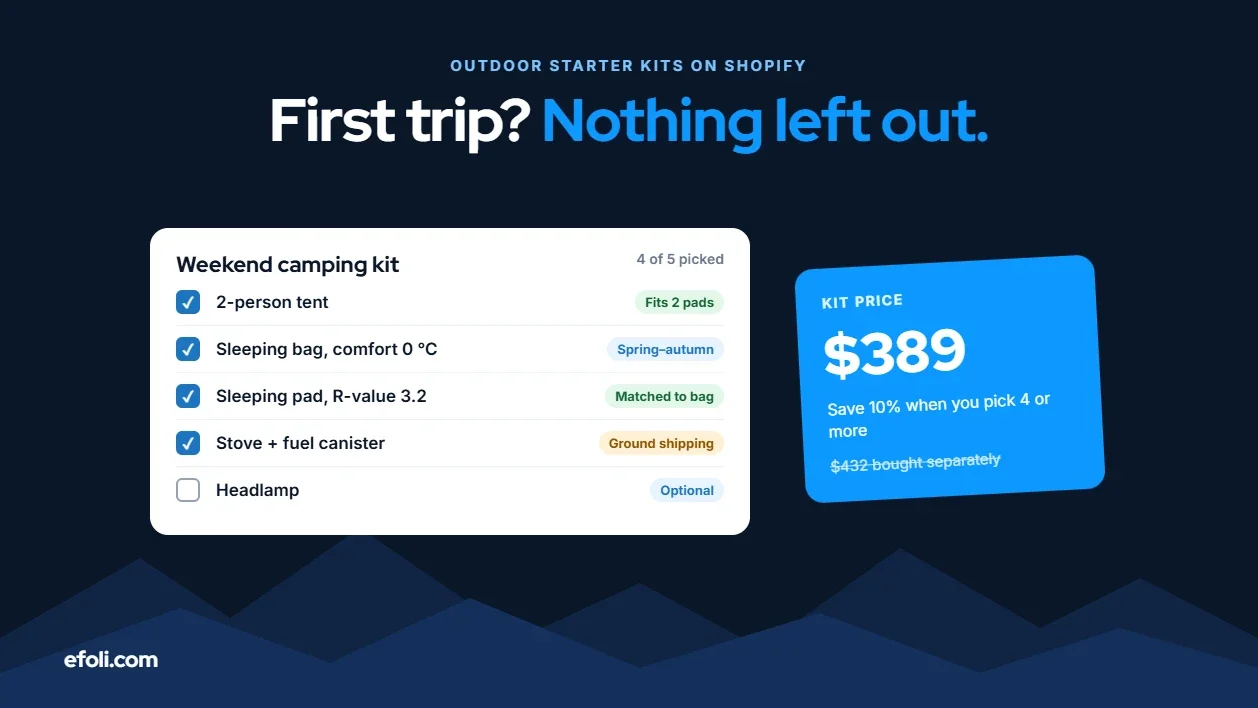
The Customer Bought the Tent. Who Remembered the Sleeping Bag?
November 13, 2026 • 18 min read
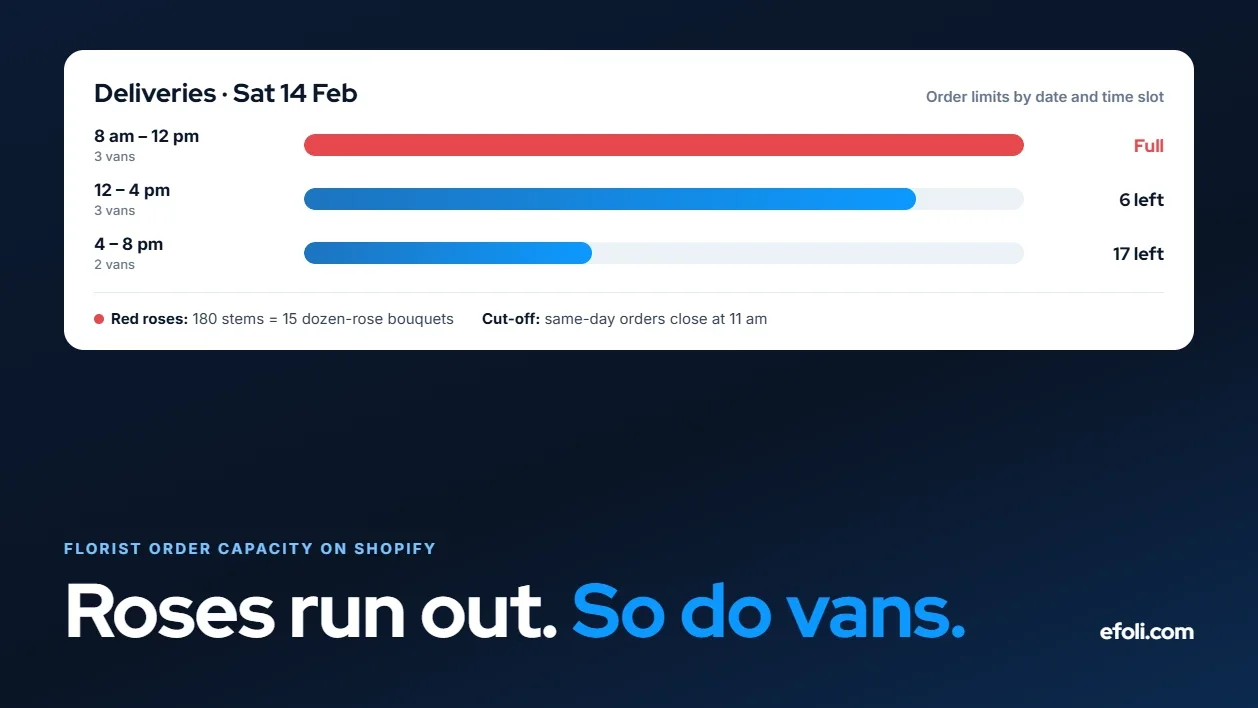
The Roses Are Gone. The Orders Keep Coming. Why Florists Oversell on Shopify
November 13, 2026 • 18 min read
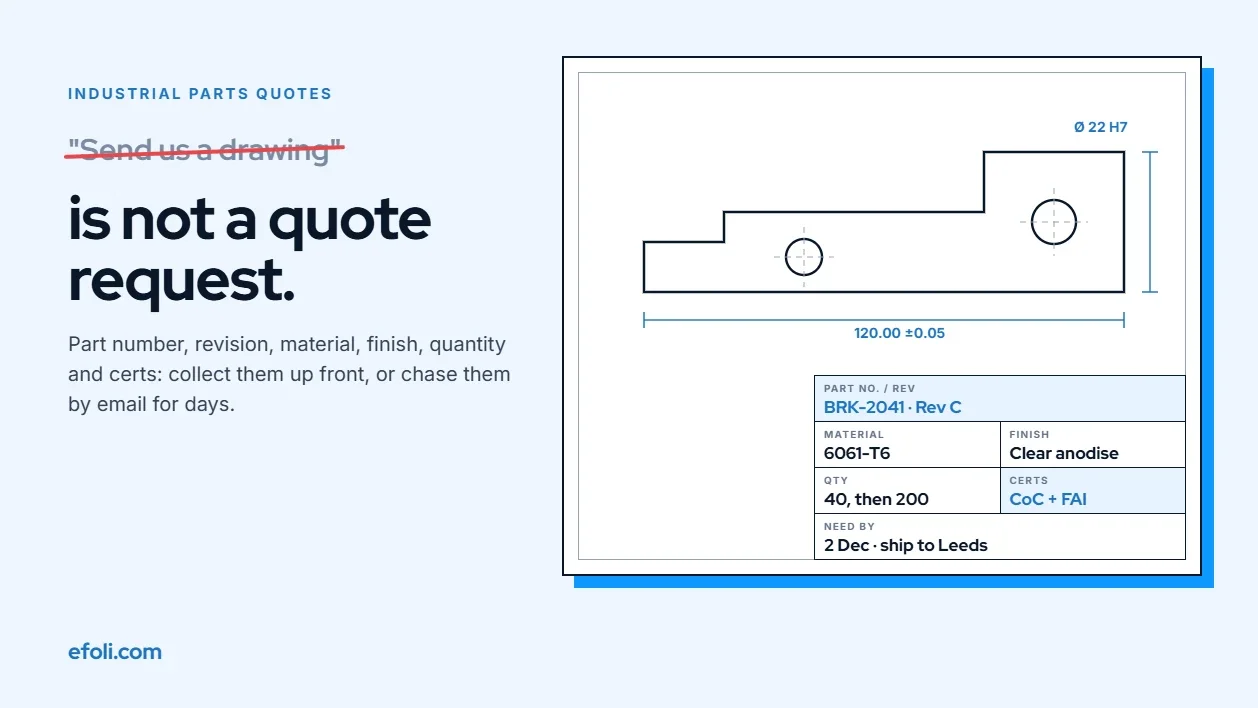
"Send Us a Drawing" Shouldn't Be the Whole RFQ: Where Industrial Parts Quotes Break on Shopify
November 13, 2026 • 18 min read