Shopify Wholesale Setup: The Full B2B Journey, From First Quote to Reorder (2026)
Last checked: 6 November 2026, against the Shopify App Store listings of all six apps, Shopify’s B2B announcement of 2 April 2026, and Push Bundle’s and MultiVariants’ own sites. Who this is for: Shopify stores on Basic, Grow or Advanced that have started selling wholesale, or plan to, and want to know what Shopify’s free B2B covers and what it doesn’t. Reading time: about 15 minutes.
On this page
- Key takeaways
- What Shopify’s free B2B covers in 2026, and where it stops
- Signs you’ve outgrown Shopify’s free B2B
- Stage 1: Get in front of wholesale buyers where they already are
- Stage 2: Quote and negotiate large or custom orders
- Stage 3: Give each buyer the right price
- Stage 4: Let buyers order many variants on one page
- Stage 5: Only accept orders you can fulfill
- Stage 6: Sell mixed cases and wholesale packs
- How the six apps pass work to each other
- One wholesale order, start to finish
- You don’t need all six: where to start by store type
- MultiVariants or OrderRules for order limits?
- What a wholesale app setup costs per month
- Mistakes we see in new Shopify wholesale setups
- How to roll it out in four weeks
- What to measure after you launch
- FAQ
- Do I need an app to sell wholesale on Shopify in 2026?
- How many price lists does Shopify B2B allow?
- What is the best order form for Shopify wholesale?
- Can Shopify handle quotes for wholesale orders?
- Can I use these apps without Shopify Plus?
- Is a wholesale suite better than separate apps?
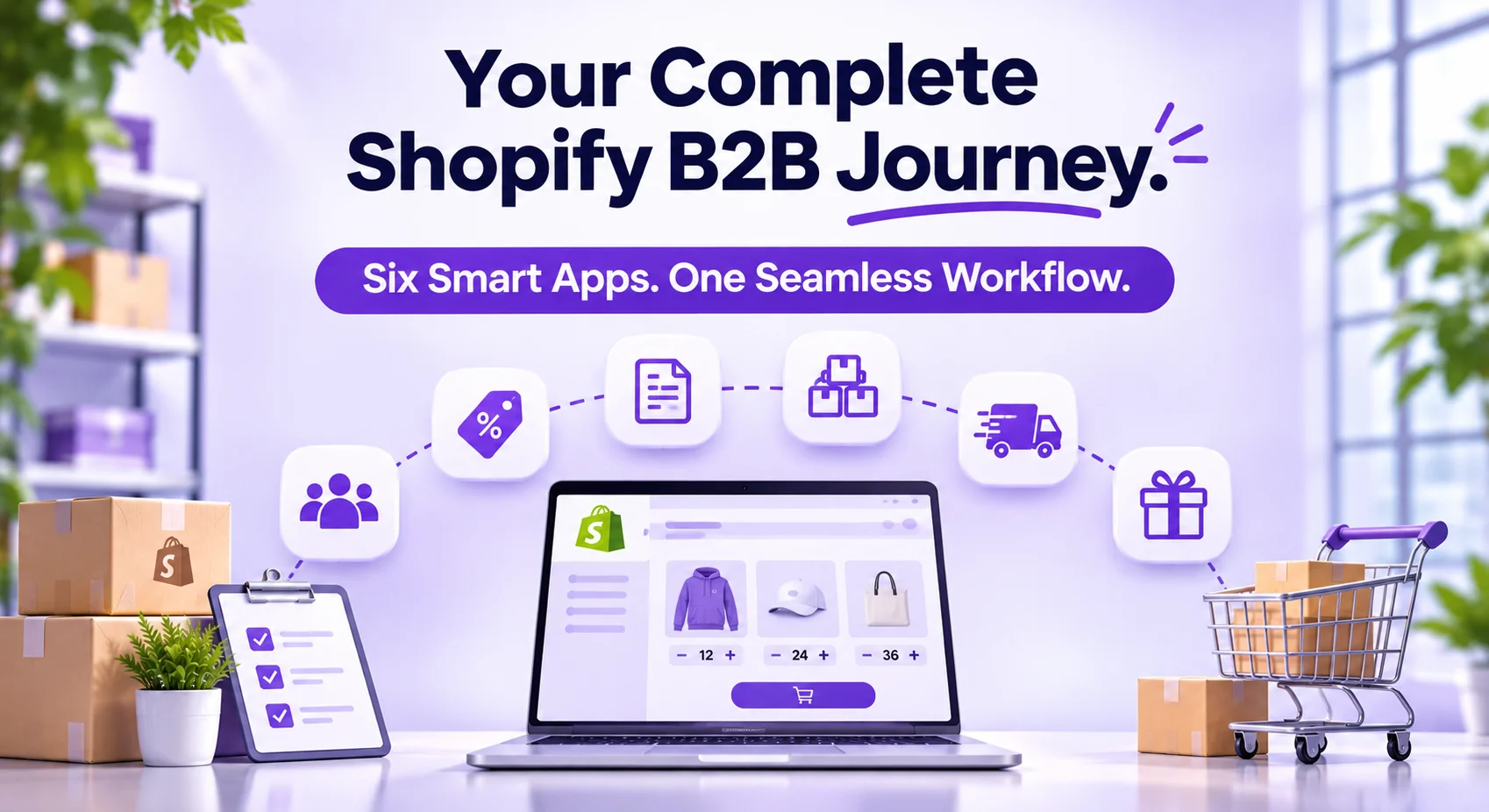
A Shopify wholesale setup needs six jobs done: getting buyers to the products, quoting large orders, pricing each buyer, taking bulk orders, controlling what you accept, and selling mixed cases. Since April 2026, Shopify’s free B2B covers the basics of pricing and quantity rules on every plan. Apps fill the gaps in quoting, bulk ordering, capacity, and partner selling, and most stores need two or three of them, not all six.
This guide follows a wholesale order from first contact to reorder. At each stage, you’ll see what Shopify does for free, what’s missing, and which app fills the gap. Our six apps were built to pass work to each other, and this is the first time we’ve shown how they fit together.

Key takeaways
Shopify’s free B2B (all plans since 2 April 2026) gives you company profiles, up to three catalogs, volume pricing, quantity rules, and payment terms. Start there.
The free tools stop at three price lists, a product-by-product buying page, and no way to negotiate. Those are the gaps most wholesale stores hit first.
Each stage of the journey has one job and one app: EmbedUp for selling on partner sites, QuotWay for quotes, DiscountRay for buyer-specific prices, MultiVariants for bulk ordering, OrderRules for capacity and delivery, Push Bundle for mixed cases.
You don’t need all six. A first wholesale setup is usually MultiVariants plus DiscountRay, from $26.99 a month.
The apps connect: DiscountRay prices show inside MultiVariants order forms, and QuotWay turns an agreed quote into a Shopify draft order with locked prices.
What Shopify’s free B2B covers in 2026, and where it stops
On 2 April 2026, Shopify opened its B2B features to Basic, Grow and Advanced plans at no extra cost (Shopify). Before that, they were Plus-only. For many small stores, wholesale is now a setting, not a replatform.

Wholesale job | Shopify free B2B (Basic, Grow, Advanced) | Where it stops |
|---|---|---|
Buyer accounts | Company profiles, vaulted cards, payment terms | Fine for most stores |
Price lists | Up to 3 catalogs (Plus: unlimited) | A 4th customer group needs an app or Plus |
Bulk pricing | Volume pricing | No pricing by country, order history or cart value |
Order rules | Quantity rules (min, max, increments) | No daily capacity, store hours or delivery slots |
Ordering page | Standard product page, one variant at a time | No matrix or table order form |
Quotes | None | No request, counter-offer or approval flow |
Selling off-store | Buy Button channel | No bulk add-to-cart or partner tracking |
Mixed cases | Shopify Bundles (fixed bundles, multipacks) | No pick-your-own case at wholesale prices |
If your wholesale buyers all pay one of three price lists, order a few SKUs at a time and never negotiate, Shopify’s free tools may be all you need. Our guide to Shopify B2B by plan covers the native setup step by step. The rest of this guide is for stores that have outgrown it.
Signs you’ve outgrown Shopify’s free B2B
You don’t need to guess. These are the moments when stores we work with usually add their first app:
You have a fourth kind of buyer. Three catalogs looked like plenty until a distributor asked for its own prices.
Orders arrive by email or spreadsheet. Buyers find it faster to send you a list than to click through 30 variants.
You retype prices. Someone negotiates by email, then builds a draft order by hand, and a typo costs you margin.
You apologize for late orders. Demand has passed what your team can make or pack in a day.
A partner asks how their customers can order. Your distributor or a trade blog wants to sell your products on their own site.
Buyers ask for mixed cases. They want 24 units across flavors or colors, and you can only sell full cases of one.
Each of these maps to one stage below. If none of them sounds like your store yet, stay on the free tools and come back when one does.
Stage 1: Get in front of wholesale buyers where they already are
The buyer’s problem: Trade buyers find you through distributors, partner sites, trade blogs, and catalogs, not only your store. Sending them from a partner’s page to your store, then making them search again, loses orders.
What Shopify does for free: The Buy Button channel puts a single product on another website. It has no bulk add-to-cart, and no way to see which partner sent the order.
What the app adds: EmbedUp embeds products, variants, and collections on WordPress, Webflow, Wix, landing pages, and partner sites, with checkout through Shopify. On the Growth plan ($14.99 a month), buyers can add a whole set to the cart in one click; you can set default quantities per variant, and stock is checked before checkout. The Pro plan ($29.99) adds affiliate and partner management with commission tracking and UTM campaign analytics.

Example: A coffee roaster supplies 40 cafés. Its distributor’s website lists the roaster’s beans with an EmbedUp component set to 6 bags per variant, so a café manager orders a month of stock from the distributor’s page in one click.
Skip it if: all your wholesale buyers log in to your own store.
Stage 2: Quote and negotiate large or custom orders
The buyer’s problem: Big first orders, made-to-order products and repeat contracts don’t have a fixed price. Today that negotiation happens in email, and someone retypes the agreed prices into an order.
What Shopify does for free: Nothing for quotes. Draft orders exist, but there’s no request form, no counter-offer, and no record of who agreed to what.
What the app adds: QuotWay adds a Request a Quote button to products and the cart, shown to the buyers you choose. You and the buyer negotiate round by round, and every counter-offer is saved as a locked version. When the buyer accepts all or some lines, the quote becomes a native Shopify draft order with the prices locked. The free plan covers 10 quotes a month, including the quote form, counter-offers, and conversion to a draft order. Starter ($29) adds two-way counter-offers, price hiding for selected buyers, and branded PDFs; Professional ($79) adds approval workflows and partial acceptance; Enterprise ($199) works with Shopify B2B companies, locations, and payment terms.

Example: A furniture maker gets a request for 30 custom tables for a hotel. The buyer asks for a lower price on 30; the maker counters with free delivery instead; the buyer accepts. The agreed price goes straight into a draft order, and nobody retypes it.
Skip it if: every buyer already has a fixed price list and nobody negotiates. Not every B2B store needs a quote app.
Stage 3: Give each buyer the right price
The buyer’s problem: A café, a regional chain, and a distributor shouldn’t pay the same price. Most wholesale stores have more than three kinds of buyers, and prices that depend on more than “who you are”.
What Shopify does for free: Up to three catalogs on non-Plus plans, plus volume pricing.
What the app adds: DiscountRay sets B2B pricing by customer, company, customer group, tag, or list, with quantity breaks and tiered pricing by product or variant. The free plan includes quantity discounts and tiered pricing. Growth ($14 a month) adds pricing by customer group and tag, variant-specific discounts, and scheduled offers. Pro ($29) adds pricing by company and customer list, and targeting by country, cart value, and order history. Discounts run as automatic discounts at Shopify checkout.

Example: A cosmetics brand has five buyer groups: salons, spas, small retailers, chains, and distributors. Shopify’s three catalogs cover three. DiscountRay prices the other two by customer tag, and gives distributors an extra 5% once they pass 500 units.
Skip it if: three price lists cover all your buyers.
Stage 4: Let buyers order many variants on one page
The buyer’s problem: A boutique ordering 60 hoodies in 4 colors and 5 sizes shouldn’t add 20 variants one by one. That’s where wholesale orders get abandoned or come in wrong.
What Shopify does for free: The standard product page and quantity rules. Shopify sets the rules, but buyers still pick one variant at a time.
What the app adds: MultiVariants puts every variant on one page with a quantity box for each, in a table, grid, list, or matrix layout, and adds them to the cart in one click. The free plan includes the variant list, one-click bulk add, stock display, and up to 2,048 variants. Standard ($12.99 a month) adds the matrix layout, B2B catalog prices, and DiscountRay volume discounts in the order form. Professional ($29.99) adds minimums and maximums per variant or across the whole product, minimums per option (such as at least 12 in red), order increments for case packs, and file upload for logos or artwork.

Example: Bernina of Naperville, a sewing store, sells fabric by fractional quantities. It had struggled with this “since we opened our store in 2019” until MultiVariants handled the decimal quantities, and the owner wrote that “the support was truly amazing” (MultiVariants client story).
MultiVariants is the most established app in this guide: 5.0 stars from 366 reviews on the App Store, with the Built for Shopify badge, on 6 November 2026.
Skip it if: your buyers only order one or two variants at a time.
Stage 5: Only accept orders you can fulfill
The buyer’s problem: Wholesale demand is lumpy. A food producer can make 200 cases a day; a bakery has 40 delivery slots on Friday. Taking more than that means late orders and apologetic emails.
What Shopify does for free: Quantity rules per product, plus local delivery and pickup settings. There’s no daily cap, no store hours, and no delivery slot capacity.
What the app adds: OrderRules opens and closes your store on a schedule, stops orders when a daily limit is reached, and sets limits by product, collection, or customer. Rules are checked at checkout with Shopify Functions, so the theme can’t skip them. The free plan covers store hours, holiday closures, a daily limit of up to 100 orders, and three product limits. Pro ($9.99) adds unlimited limits, weekly and monthly caps, and per-customer limits. Advanced ($19.99) adds a delivery date and time-slot picker with capacity per date and slot, lead times, cut-offs, and scheduled pickup.

Example: A bakery supplies restaurants. Orders close at 2 pm for next-day delivery, Friday has 40 slots, and the store closes itself over public holidays.
Skip it if: you can always ship whatever comes in.
Stage 6: Sell mixed cases and wholesale packs
The buyer’s problem: A shop wants a case of 24 drinks in mixed flavors, at the wholesale price, not 24 of one flavor.
What Shopify does for free: Shopify Bundles builds fixed bundles and multipacks. It doesn’t let the buyer choose what fills the case.
What the app adds: Push Bundle, part of the eFoli app family, builds pick-your-own boxes and mix-and-match packs with pack sizes, minimums, and per-variant limits, and can show a bundle only to buyers with a customer tag, such as “wholesale”. Bundles show as one item in the cart with inventory taken from each product, and they work in Shopify POS for trade shows and showrooms. The free plan includes volume bundles, customer eligibility rules, and POS; Build Your Own Box and mix-and-match are on Growth ($14 a month). On the App Store, Push Bundle’s developer is listed as WhenLab F.Z.C.

Example: A drinks brand shows tagged trade buyers a “Mixed case of 24” builder at the wholesale price. Retail shoppers see a 6-can pick-your-own pack instead.
MultiVariants or Push Bundle for mixed cases? MultiVariants also does mix-and-match boxes from the variants of one product, inside the bulk order form. Use it when the case comes from one product, such as one drink in many flavors. Use Push Bundle when the case mixes different products, or you want a guided, step-by-step builder.
Skip it if: buyers always order full cases of one product.
How the six apps pass work to each other
The apps are separate installs, but they’re built to share the order. A buyer’s journey can touch four of them without anyone retyping a price.

DiscountRay and MultiVariants: DiscountRay’s volume discounts show inside MultiVariants order forms (Standard plan and up), so buyers see their tier price while filling in quantities.
QuotWay and Shopify: An accepted quote becomes a native draft order, with prices locked. On Enterprise, it uses your Shopify B2B companies and payment terms.
Every app and checkout: DiscountRay discounts and OrderRules limits run at Shopify checkout, so they apply however the buyer reached it, including from an EmbedUp component on a partner site.
One wholesale order, start to finish
Here’s how one order moves through the stages for a made-up apparel brand, “North Thread”, which sells hoodies to boutiques and to a regional chain.
Found on a partner page. A boutique owner reads a trade blog’s “best winter stock” post. The post carries an EmbedUp component with North Thread’s hoodie collection, so she adds a starter set to the cart without leaving the article.
A bigger request becomes a quote. The regional chain wants 1,200 hoodies with its logo. Its buyer clicks Request a Quote, asks for a lower price at 1,200, and gets a counter-offer with free delivery instead. The chain’s finance lead approves; the accepted quote becomes a draft order with the agreed prices locked.
Each buyer sees their own price. When the boutique logs in, DiscountRay shows her the boutique tier. The chain sees its own company price, which no other buyer gets.
The order goes in on one page. For her second order, the boutique owner uses the MultiVariants matrix: 4 colors down the side, 5 sizes across the top, a quantity in each box. The order needs at least 6 per color, and the form tells her before she adds it to the cart.
The warehouse doesn’t overflow. North Thread can print 300 hoodies a day. OrderRules caps daily orders for the custom-print collection, and closes it over the holidays.
Mixed boxes for small shops. Smaller boutiques want a “starter box” of 24 hoodies in mixed colors. Push Bundle shows them a mixed-case builder at the trade price, visible only to buyers tagged “wholesale”.
In this example, nobody retyped a price, nobody chased an email thread, and nobody accepted an order the printer couldn’t make. That’s the point of covering the journey rather than one step.
You don’t need all six: where to start by store type
Installing six apps on day one is the mistake to avoid. Start with the stage where you lose the most orders today, then add the next.

Your business | Start with | Add later |
|---|---|---|
Apparel or merchandise with size runs | MultiVariants (matrix order form) | DiscountRay for group pricing |
Food or drink producer with daily capacity | OrderRules (caps and delivery slots) | Push Bundle for mixed cases |
Made-to-order or custom (print, furniture, parts) | QuotWay (quotes and approvals) | MultiVariants for reorders |
Brand selling through distributors or partner sites | EmbedUp (partner pages) | DiscountRay for partner pricing |
Gift or snack brand selling trade packs | Push Bundle (mixed cases for tagged buyers) | DiscountRay for tiered prices |
Many buyer groups, simple ordering | DiscountRay (prices beyond 3 catalogs) | MultiVariants when SKUs grow |
MultiVariants or OrderRules for order limits?
Both apps can set minimums and maximums, and we get asked which to use. The short answer:
MultiVariants is for how a buyer fills one order: minimum per variant, case-pack increments, at least 12 per color. Choose it when your rules are about the order’s contents.
OrderRules is for how much you accept overall: daily caps, store hours, per-customer limits across orders, delivery slots. Choose it when your rules are about your capacity.
Most stores need one or the other. If you need both kinds of rules, use each app only for its own job.
What a wholesale app setup costs per month
Here are the entry paid plans, checked on the App Store on 6 November 2026. All six apps have a free plan, and every paid plan here has a free trial (14 days for five of them, 5 days for EmbedUp).

App | Free plan | Entry paid plan | Higher plans |
|---|---|---|---|
EmbedUp | 1 component, 3 products | $14.99 | $29.99 |
QuotWay | 10 quotes a month | $29 | $79, $199 |
DiscountRay | Quantity and tiered discounts | $14 | $29 |
MultiVariants | Bulk order list, 2,048 variants | $12.99 | $29.99 |
OrderRules | Store hours, 100 orders a day | $9.99 | $19.99 |
Push Bundle | Volume bundles, POS | $14 | None |
Three typical setups:
First wholesale setup: MultiVariants Standard + DiscountRay Growth = $26.99 a month.
Food or drink producer: OrderRules Advanced + Push Bundle Growth + DiscountRay Growth = $47.99 a month.
All six on their entry paid plans: $94.97 a month.
For comparison, all-in-one wholesale suites such as SparkLayer start at $49 a month for paid plans (Amasty, 2026). A suite suits stores that want one portal and one contract. Separate apps suit stores that need depth in two or three stages and want to pay only for those.
Mistakes we see in new Shopify wholesale setups
Building wholesale as a retail store with lower prices. Wholesale buyers order in volume, across variants, under rules. The buying page has to match.
Hiding the rules until checkout. If a buyer only learns about a minimum at the last step, they leave. Show minimums and case packs on the product page.
Pricing everyone the same. A distributor and a café need different prices. If you have more than three groups, plan for it.
Negotiating in email. Agreed prices get lost and retyped incorrectly. Keep a record of every counter-offer.
Accepting more than you can make. Set capacity from your kitchen or warehouse, not from demand.
Installing two apps for the same job. Two apps setting minimums, or two setting discounts, can clash. Give each rule one home.
How to roll it out in four weeks
Week 1: Set up Shopify’s free B2B. Create company profiles, catalogs, and payment terms. Test a wholesale login.
Week 2: Fix your biggest gap. Install the one app from the table above that matches your business. Test a real order as a buyer, on a phone.
Week 3: Add pricing or capacity. Add the second app only if Week 2 showed you need it.
Week 4: Tell your buyers. Email your wholesale list with a short guide: how to log in, how to order, what the minimums are.
Need help? Paid plans of our apps include live chat support, and Push Bundle includes free setup help on every plan. If you’d rather hand the whole setup to someone, our team also builds custom B2B setups on Shopify.
What to measure after you launch
Judge the setup by what buyers do, not by how many apps you installed. Check these once a month:
Wholesale orders placed without help. If buyers still email you lists, the ordering page isn’t working yet.
Average wholesale order size. A bulk order form and tier pricing should raise it.
Quote-to-order rate and time. How many quotes become orders, and how many days it takes.
Orders refused or rescheduled for capacity. Some is healthy. A lot means your caps or slots need adjusting.
Price errors and manual edits to orders. These should fall toward zero once prices live in one place.
FAQ
Do I need an app to sell wholesale on Shopify in 2026?
Not always. Since April 2026, every Shopify plan includes company profiles, up to three catalogs, volume pricing, quantity rules, and payment terms for free. You need an app when you have more than three buyer groups, want a bulk order form, need quotes, or have to limit daily capacity.
How many price lists does Shopify B2B allow?
Basic, Grow, and Advanced plans get up to three catalogs. Shopify Plus gets unlimited catalogs. Stores with more buyer groups can use a pricing app such as DiscountRay, which prices by customer, company, group, tag or list.
What is the best order form for Shopify wholesale?
For stores with many variants, a matrix or table form that puts every variant on one page with a quantity box for each. MultiVariants does this on its free plan, with matrix layouts and minimums per variant on paid plans.
Can Shopify handle quotes for wholesale orders?
Not by itself. Shopify has draft orders but no quote request or negotiation flow. A quote app such as QuotWay adds a Request a Quote button, counter-offers and approvals, and turns the accepted quote into a draft order.
Can I use these apps without Shopify Plus?
Yes. All six apps work on Basic, Grow, and Advanced, alongside Shopify’s free B2B. Some features, such as QuotWay’s use of B2B companies and payment terms, are on higher app plans.
Is a wholesale suite better than separate apps?
It depends on where your gaps are. A suite such as SparkLayer gives one portal and one contract, starting at $49 a month for paid plans. Separate apps cost less when you only need two or three stages, and each one goes deeper into its job, such as negotiation or delivery slots.

Anika Anamta Mehnaz
This article is written by Anika Anamta Mehnaz, a Content Writer and Content Marketing Strategist specializing in Shopify, eCommerce, and SaaS. With over four years of content writing experience, she creates SEO and AI search-optimized content that helps Shopify merchants make better business decisions through practical, research-backed insights. Her work covers Shopify apps, product variants, bundles, discounts, B2B commerce, and conversion-focused strategies. Outside of work, Anika enjoys watching anime, reading John Grisham novels, and discovering new ideas in digital marketing and e-commerce. If you enjoy discussing Shopify, content marketing, or online growth, feel free to connect with her. Twitter: https://x.com/mehnaz2201 Medium: https://medium.com/@mehnaz_78932
Keep reading
View all articles →
How to Optimize Your Shopify Store for ChatGPT, Gemini, and AI Shopping
October 2, 2026 • 17 min read
When Should You Replatform Your eCommerce Store? 10 Warning Signs
September 9, 2026 • 10 min read
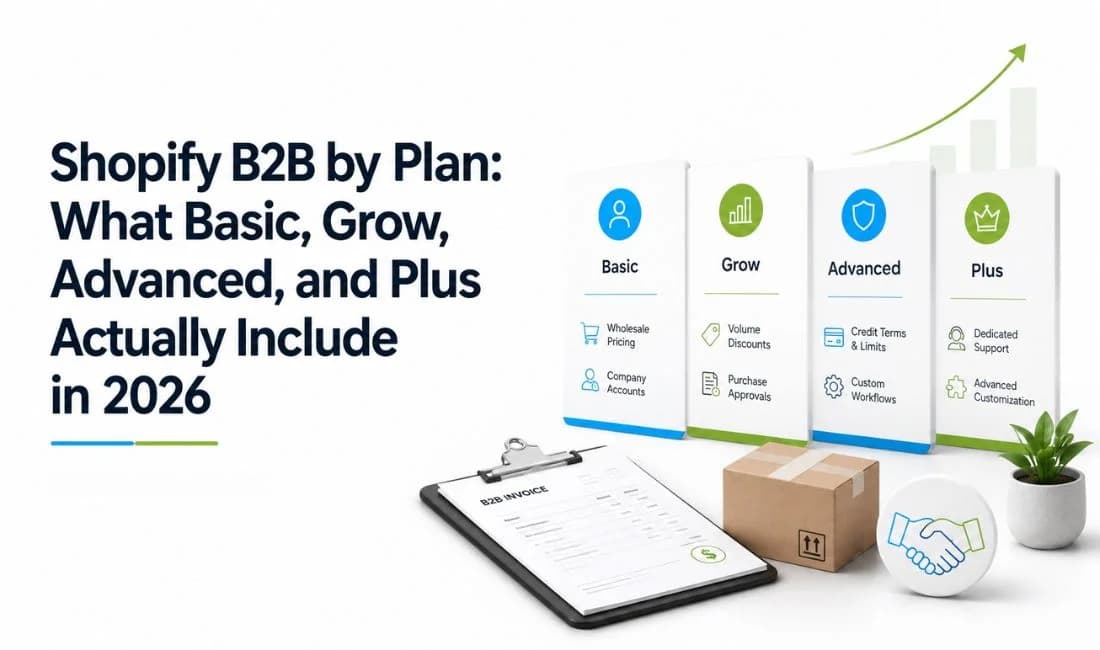
Shopify B2B by Plan: What Basic, Grow, Advanced, and Plus Actually Include in 2026
August 25, 2026 • 13 min read