On this page
- Key takeaways
- A team order isn't one order
- Where the coach gets stuck
- Sizes one at a time
- Youth and adult sizes split apart
- Names and numbers outside the order
- Two players, one number
- Several payers
- Pricing that depends on a shared code
- Deadlines nobody sees
- The mid-season top-up
- Who pays for the friction
- What a team-ready store looks like
- Choose the ordering model first
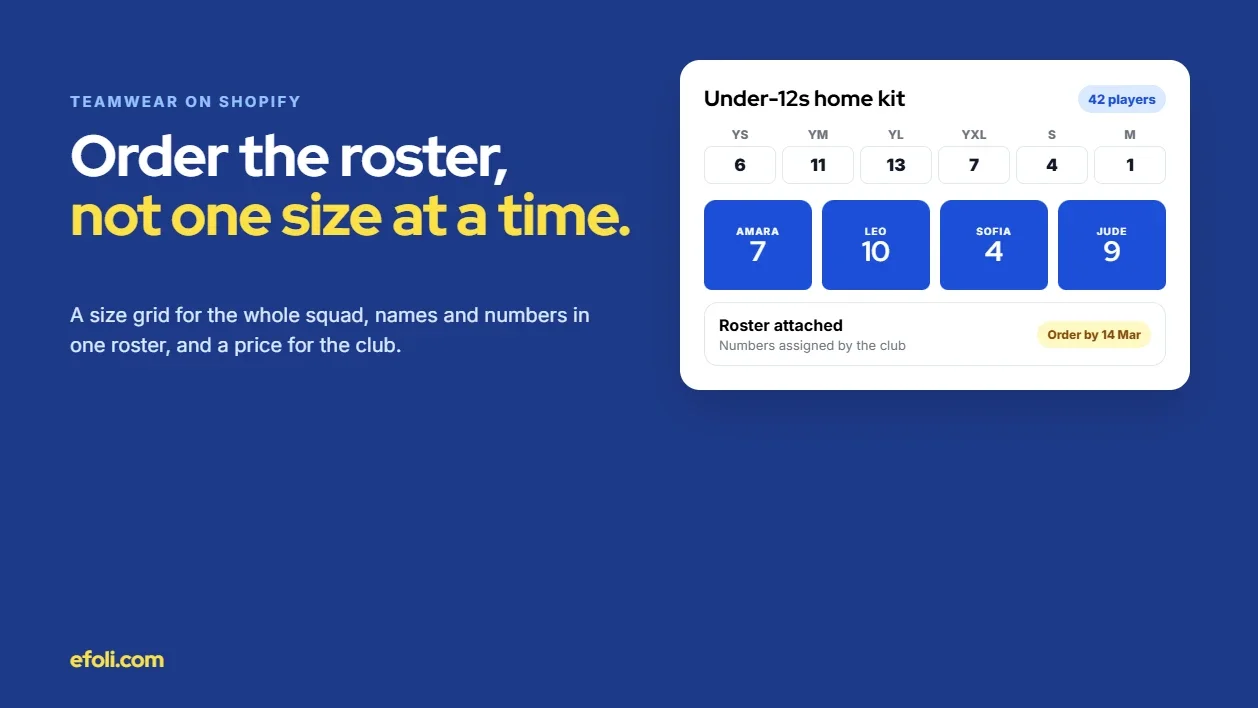
- For Model A: a size grid for the whole squad
- For Model A: the full kit, not just the jersey
- For Model A: collect the roster properly
- For Model B: a team page with a deadline
- Team pricing without shared codes
- Set up the club as a business customer
- Assign numbers before ordering
- Make sizing easier
- Plan the mid-season top-up
- Worked example: Northgate Kitwear
- The problem, as the team saw it
- What Northgate changed
- What happened
- Merchant checklist: before the next season opens
- Mistakes that cost you the club
- The short version
- FAQ
Short answer: Teamwear bulk orders on Shopify break down because a team order isn't really one order. It's a roster: dozens of players in youth and adult sizes, each with a name and number, often paid for by different people, and needed by a fixed date. A store built for single purchases makes the coach pick one size at a time and email the names separately. The fix is to choose a team ordering model first (the club pays, or parents pay), then give coaches a size grid for the whole squad and collect the roster in a structured way. Price by team or quantity, set a clear deadline, and keep a simple route for players who join mid-season.
Jess coaches the under-12s at a community football club. The club has 42 players across two squads this season, and the committee wants everyone in the new kit for the first home game in five weeks. She's been asked to "sort the order."
The kit supplier has a Shopify store with the club's jersey on it. The product page has a size dropdown: YXS to XXL. Jess has a spreadsheet of names, numbers and sizes from parents, with a few blanks and two kids who both want number 10.
She chooses YS, sets quantity to 6 and adds to cart. Then YM, quantity 11. Then YL. Then the adult S for the tall ones. She finds a "Personalisation" box on the product page, but it takes one name per line, so she'd need to add 42 separate items to put names on them. She gives up on that and emails the supplier the spreadsheet with a note saying "names and numbers attached, sizes in the cart."
Two days later, the supplier replies: three sizes in the spreadsheet don't match the cart. Also, half the parents want to pay for their own child's kit, and the treasurer wants to know whether the club gets a team price.
This article is for teamwear brands, kit suppliers and the agencies that build their Shopify stores. It follows the problem from the coach's side, maps the friction, looks at the operational cost and ends with a merchant checklist.
Key takeaways
A team order is a roster, not a cart. It has sizes, names, numbers, payers and a deadline.
Decide the ordering model first: the club pays in one order, or each parent pays for their own player.
Give coaches a size grid for the whole squad, with youth and adult sizes in one view.
Collect names and numbers in a structured roster, not in emails or free-text notes.
Assign squad numbers before ordering. A store can't easily stop two players picking the same number.
Plan for players who join mid-season, so a top-up order doesn't mean starting again.
A team order isn't one order
Most apparel stores are built for one person buying one item in one size. Teamwear is different in five ways.
Element | Single purchase | Team order |
|---|---|---|
Quantity | One or two | 15 to 60+ |
Sizes | One | Youth and adult, often 8 to 10 sizes |
Personalisation | Optional, one name | A name and number on every item |
Payer | The buyer | The club, the coach or each parent |
Deadline | Whenever | The first match, tournament or photo day |
Any one of these is manageable. All five at once is why coaches end up in spreadsheets.
It's also different from a corporate order. A company ordering 60 hoodies for staff has one payer and usually no personalisation per item, which MultiVariants covers in its guide to Shopify corporate gift orders. A sports team adds names, numbers, youth sizes and split payment to that.
Where the coach gets stuck

Moment | What the coach expects | What the store does | What happens |
|---|---|---|---|
Choosing sizes | Enter the whole squad at once | One size per add-to-cart | Slow, error-prone ordering |
Youth and adult sizes | Both in one place | Sometimes separate products | Missed sizes, two orders |
Names and numbers | Upload or enter the roster | One personalisation per line, or none | Roster sent by email |
Duplicate numbers | A warning | Nothing | Two players with number 10 |
Payment | Club pays, or parents pay | One payer per order | Treasurer chasing parents |
Price | A team price | Retail price, or a code shared in a group chat | Confusion and codes leaking |
Deadline | Kit by the first game | Standard lead time, no cutoff | Late kit, kids in mismatched shirts |
New player in week four | Add one shirt | A fresh order, maybe a different batch | Small orders, colour mismatch |
Sizes one at a time
A dropdown is fine for one shirt. For a squad, the coach has to repeat the same steps for each size, and check the cart against the spreadsheet. Every repeat is a chance for a mistake. Variant selection that works for single buyers often fails for bulk buyers, as MultiVariants' guide to variant selection for apparel stores explains.
Youth and adult sizes split apart
Some stores sell youth and adult sizes as separate products, because they're priced differently or come from different suppliers. The coach then has to know which product to use for each player, and the order arrives in two parts.
Names and numbers outside the order
Shopify can collect custom text with an item through line item properties, which is how most "add a name" boxes work. That suits one personalised item. For 42 items, each with a different name, number and size, entering them one line at a time is painful. So coaches email a spreadsheet, and the supplier has to match it to the order by hand.
Two players, one number
Kids care about their number. A store can't easily stop two players on different orders from choosing the same number, and most don't try. If numbers are chosen by players or parents, duplicates happen.
Several payers
Clubs pay in different ways. Some pay for the whole kit from fees or a sponsor. Some collect money from parents first. Some ask each parent to buy their own child's kit. Many do a mix: the club pays for the shirt, parents pay for training wear. A store that only supports one payer per order forces the club to collect cash.
Pricing that depends on a shared code
Team pricing is often handled with a discount code passed around a parents' group chat. Codes leak, get used by people outside the club and can be stacked with other offers.
Deadlines nobody sees
Team kit is usually needed by a date: the first match, a tournament or team photo day. Decoration (printing or embroidery) adds lead time. If the store doesn't show a cutoff for the club's batch, orders trickle in after the date that would have made the deadline.
The mid-season top-up
Players join after the first order. A new player needs one shirt with a name and number, in the same colour and design. If the only route is a fresh order with full minimums, the club either waits or buys elsewhere, and the colour may not match.
Who pays for the friction
Where it shows up | What it looks like |
|---|---|
Customer service | Matching spreadsheets to orders, chasing missing sizes |
Production | Re-prints for wrong names or numbers, rushed batches |
Finance | Chasing payment from clubs, refunds for over-orders |
Logistics | Split deliveries, single top-up shipments |
The club | Volunteers chasing parents for money and sizes |
The players | Missing or wrong kit on match day |
The relationship | The club looks for another supplier next season |
Teamwear runs on reorders and word of mouth between clubs. A coach who had a hard time tells other coaches.
What a team-ready store looks like
Choose the ordering model first
Before changing anything in the store, decide how each club will order. Most suppliers need two models.

Model A: the club pays. The coach or kit manager places one order for the whole squad, with a size grid and a roster. The club pays by card or on account.
Model B: parents pay. The club gets its own team page, with the club's kit at the team price. Each parent orders their own child's items, with name, number and size, before a deadline. The supplier produces the batch after the deadline.
Many clubs use both: Model A for the match kit, Model B for optional training wear and supporter items.
For Model A: a size grid for the whole squad
The coach should be able to enter quantities for every size in one view, youth and adult together. A Shopify bulk order app for teamwear like MultiVariants adds list, grid and matrix order forms to a product page. According to its App Store listing, you can enter quantities for several variants at once and add them to the cart together.

On the Professional plan ($29.99 a month at the time of writing), you can set minimum and maximum quantities on the total across variants. That's useful for teamwear. If your decoration setup needs at least 12 items, you can require 12 in total without forcing a minimum on each size. Anika's wholesale size run playbook covers size grids in more depth, from a retailer's point of view.
If youth and adult sizes are separate products today, consider combining them into one product with one size option, so they appear in one grid. Shopify allows up to 2,048 variants per product across three options, so size and colour together rarely hit the limit.
For Model A: the full kit, not just the jersey
A match kit is usually a shirt, shorts and socks, and sometimes a training top and a bag. Coaches want to order the whole kit for each player, but players often wear different sizes in each item. A child might be a youth large in shirts and a youth medium in shorts.
Put each kit item in the same grid layout, with the same size order, so the coach can work through them one after another.
Let the roster carry a size per item, not one size per player.
Don't force a single "kit size." It looks simpler, but it creates exchanges.
Show a running total by item, so the coach can check 42 shirts, 42 shorts and 42 pairs of socks before checkout.
For clubs that reorder every season, a self-service account with past orders saves the kit manager starting from scratch. Anika's post on B2B self-service ordering on Shopify covers how to set that up for repeat trade buyers, and the same ideas apply to clubs.
For Model A: collect the roster properly
The size grid handles quantities. Names and numbers need their own structure. A few options, from simplest to most built-in:
A roster template. Give coaches a simple template with columns for player name, number, size and item. Ask them to upload or email it with the order number. Then check it against the order before production.
A roster form after checkout. Send the coach a link to a form, tied to the order number, with a row per item. This keeps the roster structured and in one place.
Line item properties per player. Each item in the order carries its own name and number. This is the most built-in option, but it means one cart line per player, which only works for small squads.
Whichever you choose, check the roster against the order before printing. The sizes in the roster should add up to the quantities in the cart.
For Model B: a team page with a deadline
For parent-paid orders, give each club its own page or collection. Include:
The club's kit items, already set up in the club's colours and badge.
A clear name and number field on each item.
The team price, applied automatically.
A deadline, in a banner at the top: "Order by 14 March for delivery before the first home game."
A size guide with youth and adult measurements, close to the button.
After the deadline, close the batch, produce it and deliver to the club or to each family.
Team pricing without shared codes
A Shopify team discount app like DiscountRay gives you a few ways to price team orders without a code in the group chat. According to its listing:
Quantity tiers (free Starter plan). "12 to 23 items, 10% off; 24+, 15% off," shown as a table on the product page.
Customer tags and groups (Growth, $14 a month). Tag the club's parents and coach, and the team price applies when they log in.
Bulk unique codes (Growth). One code per family, so codes can't be shared.
Scheduling (Growth). Run the team price until the club's deadline.
Company and customer list pricing (Pro, $29 a month). Useful when the club is set up as a business customer.
DiscountRay's post on personalized discounts for Shopify explains how tag and list pricing work in practice.
Set up the club as a business customer
For clubs that pay on account, Shopify B2B can help. You can set up the club as a company, with each team or age group as a location, each with its own delivery address and contact. Shopify's help docs on companies and customers explain how to set them up. B2B is available on Basic, Grow, Advanced and Plus, with some limits on lower plans.
That gives the kit manager one account for the club, with orders separated by team, and lets you offer payment terms if you want to.
Assign numbers before ordering
The store can't easily prevent duplicate numbers across separate orders, so solve it at the club. Ask the club to assign squad numbers before the order opens, and to include them on the roster. For parent-paid orders, give each parent their child's number in advance, and add a line next to the number field: "Use the number the club gave you." Check the batch for duplicates before production.
League and competition rules on numbers vary, so if a club asks which numbers are allowed, point them to their league.
Make sizing easier
Label youth sizes clearly. "Youth M (age 9 to 10, chest 71 to 76 cm)" is clearer than "YM."
Offer a size set. For large clubs, lend a set of sample sizes to try on at training before the order. It saves more in exchanges than it costs in postage.
Suggest sizing up for growing players. Many coaches already do this. Say so in the size guide, so parents expect it.
Plan the mid-season top-up
Keep each club's team page live through the season, with the same design. Let coaches or parents order single items, with a name and number, outside the main batch. Set a sensible minimum for top-ups (or none), and say how long a top-up takes. If your decoration runs in batches, tell the club when the next batch closes.
Worked example: Northgate Kitwear
Northgate Kitwear is a fictional teamwear supplier we've made up for this example. It sells printed and embroidered kit to grassroots football, netball and rugby clubs through a Shopify store.
The problem, as the team saw it
Coaches ordered kit one size at a time and emailed rosters. Every season started with a week of matching spreadsheets to orders. Parents paid the clubs, who paid Northgate, and treasurers complained about chasing money. Team pricing ran on shared codes that turned up on coupon sites.
What Northgate changed
Two ordering models. Clubs chose "club pays" or "parents pay" for each item when they signed up.
A size grid for coaches. Match kit products got a matrix order form with youth and adult sizes in one grid, and a minimum of 12 items in total.
A roster form. After checkout, coaches got a link to a roster form tied to the order number, with a row for each item.
Team pages for parent-paid items. Each club got a page with its kit, a name and number field, the team price for tagged accounts and a deadline banner.
Clubs as companies. Larger clubs were set up as B2B companies, with each age group as a location.
Numbers assigned by clubs. Northgate asked every club to assign numbers before ordering, and checked each batch for duplicates.
Top-ups through the season. Team pages stayed live, with single-item top-ups printed in a weekly batch.
What happened
These are illustrative outcomes, not measured results. Coaches spent less time placing orders, and the first week of the season stopped being a spreadsheet-matching exercise. Treasurers liked the parent-paid option for training wear. Duplicate numbers were caught before printing rather than after. The main lesson for Northgate was that the ordering model mattered more than any single tool. Once each club had chosen how it wanted to pay, the rest of the setup followed.
Merchant checklist: before the next season opens

Decide the models
Offer "club pays" and "parents pay," and let clubs choose per item.
Decide who your contact is at each club: coach, kit manager or treasurer.
Sizes and products
Put youth and adult sizes in one product where possible.
Add a size grid for bulk orders, with a minimum on the total if decoration needs it.
Write youth size labels with ages and measurements.
Offer a sample size set to larger clubs.
Rosters and numbers
Choose how you'll collect rosters: template, form or line item properties.
Ask clubs to assign numbers before ordering.
Check every batch for duplicate numbers and roster mismatches before production.
Pricing and payment
Replace shared codes with tag-based pricing, unique codes or company pricing.
Show the team price or quantity tiers on the product page.
Set up larger clubs as B2B companies if they pay on account.
Deadlines and delivery
Show each club's order deadline on its team page.
Make the decoration lead time clear.
Decide whether kit ships to the club or to each family.
Through the season
Keep team pages live with the same design.
Allow single-item top-ups with a name and number.
Tell clubs when the next top-up batch closes.
Mistakes that cost you the club
Treating the coach like a retail buyer. One size at a time, one name at a time, is fine for a parent and painful for a coach.
Free-text personalisation for a whole squad. Names typed into a notes box get missed, misspelled or matched to the wrong size.
No deadline on the page. If the batch cutoff only lives in an email, late orders miss the first match.
Closing the team page after the first order. New players join every season. Make it easy to stay the club's supplier.
The short version
A coach ordering 42 jerseys is ordering a roster, not a cart. Decide whether the club or the parents pay, give coaches a size grid for the whole squad, collect names and numbers in a structured way, ask clubs to assign numbers first, price by team without shared codes, show the deadline and keep a route open for new players. Then Jess sends one order instead of a spreadsheet and three apology emails, and every player runs out in the right shirt.
FAQ
How do I take bulk teamwear orders on Shopify?
How do I add player names and numbers to a team order?
Can parents pay for their own child's team kit on Shopify?
How do I give a sports club a team price without a shared discount code?
How do I stop two players ordering the same shirt number?
How should I handle players who join mid-season?

Anika Anamta Mehnaz
This article is written by Anika Anamta Mehnaz, a Content Writer and Content Marketing Strategist specializing in Shopify, eCommerce, and SaaS. With over four years of content writing experience, she creates SEO and AI search-optimized content that helps Shopify merchants make better business decisions through practical, research-backed insights. Her work covers Shopify apps, product variants, bundles, discounts, B2B commerce, and conversion-focused strategies. Outside of work, Anika enjoys watching anime, reading John Grisham novels, and discovering new ideas in digital marketing and e-commerce. If you enjoy discussing Shopify, content marketing, or online growth, feel free to connect with her. Twitter: https://x.com/mehnaz2201 Medium: https://medium.com/@mehnaz_78932
Keep reading
View all articles →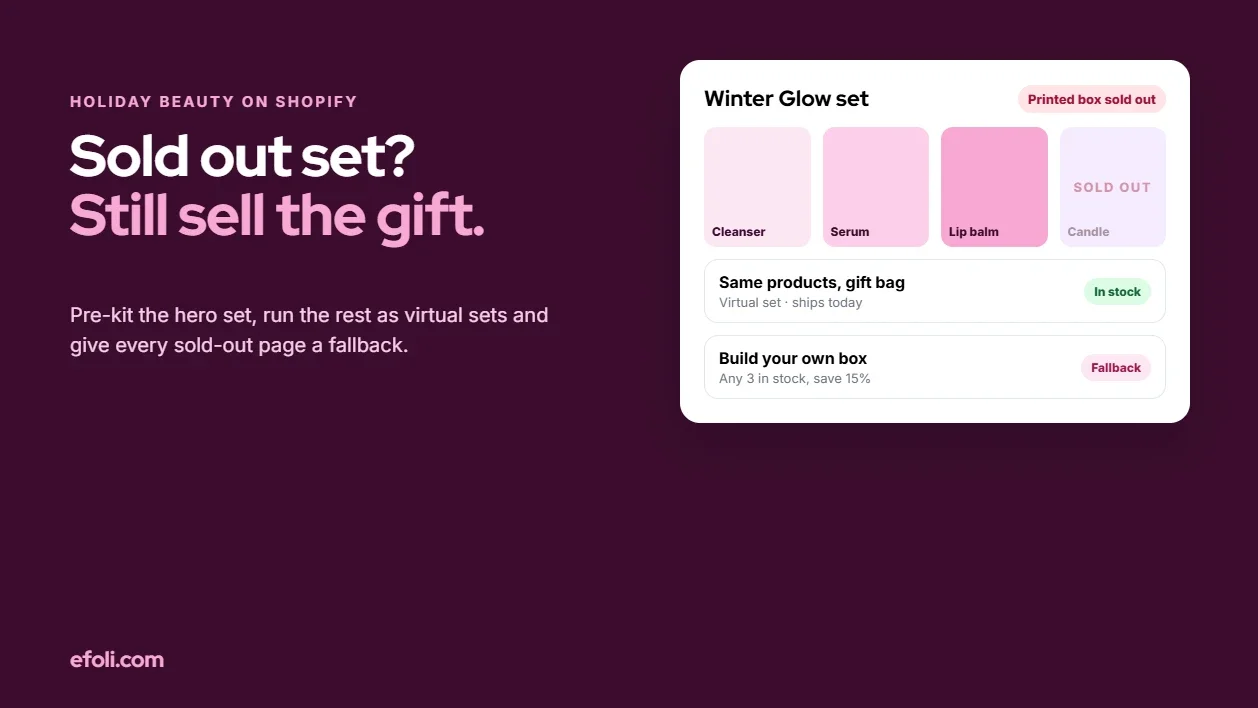
The Perfect Gift Set Is Sold Out. Three Ingredients Are Still in Stock.
November 19, 2026 • 17 min read
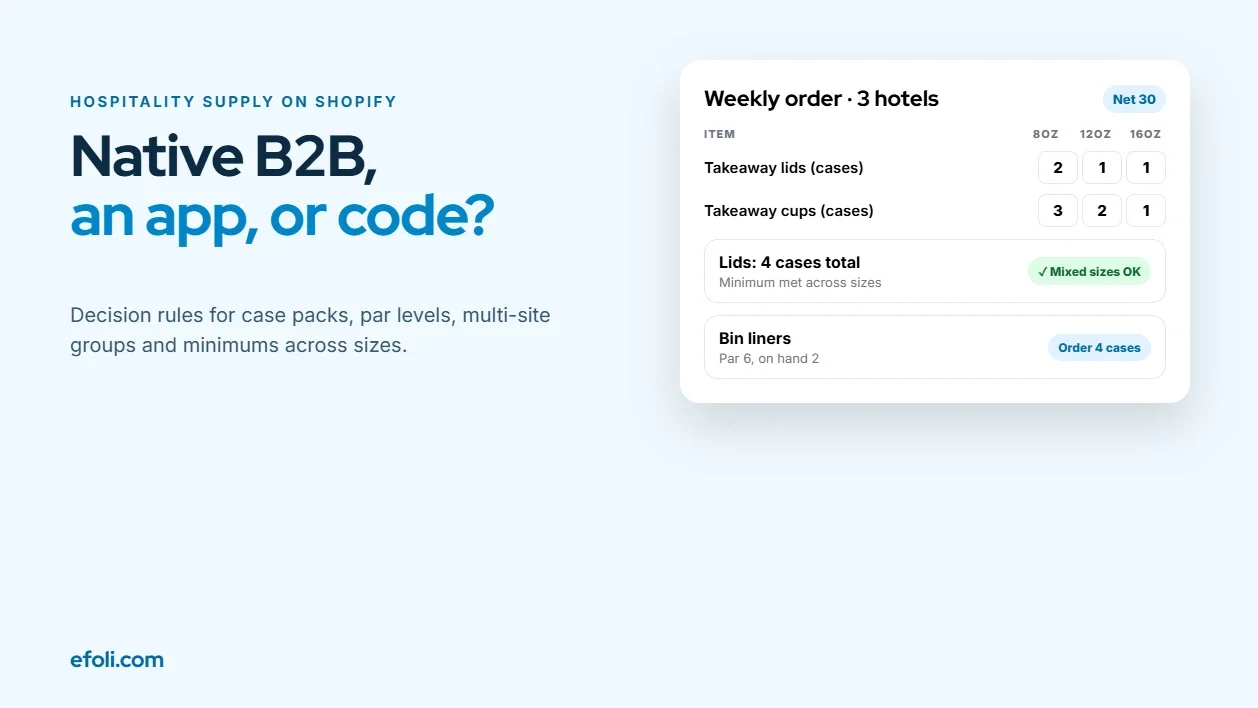
MultiVariants or Native Shopify B2B for Hospitality Supply Packs
November 19, 2026 • 17 min read
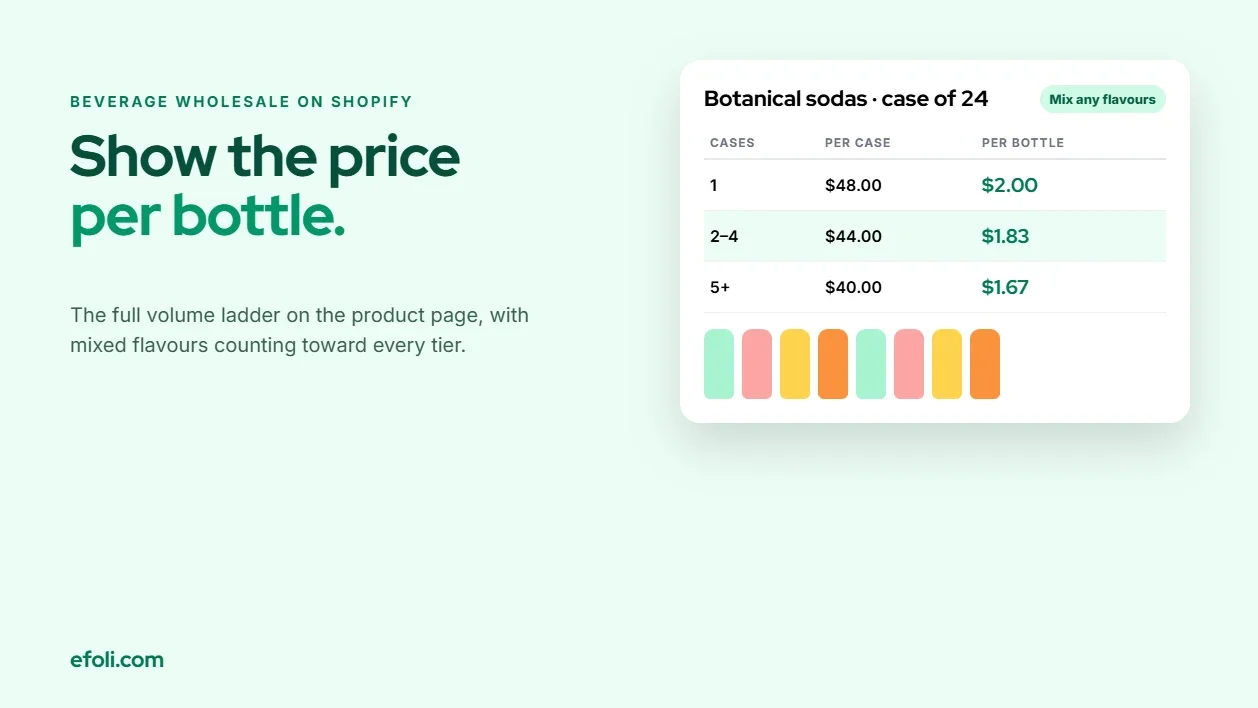
One Case Costs More per Bottle Than Two. Why Is the Cart Hiding That?
November 19, 2026 • 17 min read