On this page
- Key takeaways
- What a distributor's quote process actually involves
- Path 1: Native Shopify
- Path 2: An RFQ app such as QuotWay
- Path 3: A custom RFQ build
- The comparison side by side
- Working out the real cost
- Three distributor scenarios
- Scenario A: A regional janitorial supplies distributor
- Scenario B: An electrical parts distributor with an ERP
- Scenario C: A made-to-order industrial distributor
- What the buyer needs from any of the three paths
- Questions to answer before you decide
- How to trial an app before committing
- Planning your exit, whichever path you choose
- Common mistakes
- For agencies: framing the recommendation
- The short version
- FAQ
Short answer: Most distributors don't need a custom-built Shopify RFQ (request for quote) system. They need a quote request on the product page, a way to send a priced proposal, a few rounds of counter-offers, and a one-click way to turn the accepted quote into an order. An app such as QuotWay covers that for a monthly fee, and Shopify's own draft orders and B2B features cover parts of it at no extra cost. A custom build makes sense when quotes depend on pricing logic that lives outside Shopify, such as an ERP pricing engine or a product configurator, or when quote volume and process are unusual enough that no app fits. Decide by listing your must-haves, checking them against native Shopify and an app first, and only budgeting for custom work on the gaps.
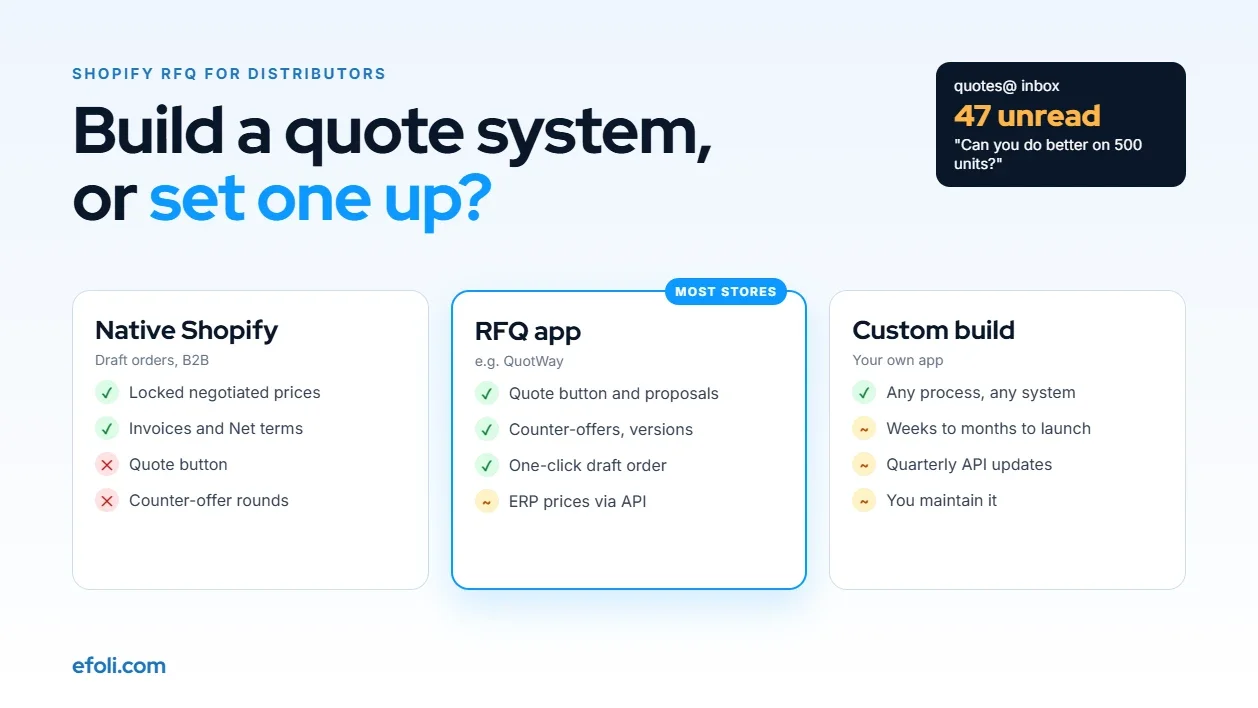
Somewhere in most distribution businesses, there's a shared inbox called something like quotes@. It's where requests arrive from the website contact form, from buyers replying to old threads, and from sales reps forwarding emails from their phones. Someone builds a price in a spreadsheet, pastes it into an email, and waits. The buyer replies "can you do better on 500 units?" and the cycle starts again.
At some point, someone says: we should build a proper quote system.
That instinct is right. The question is whether "build" means writing software or setting up tools that already exist. This post is a decision guide for distributors and the agencies who advise them. It compares three paths, native Shopify, an RFQ app like QuotWay and a custom build, against what a distributor's quote process actually needs.
Key takeaways
Write down the quote process before choosing software. Most of the requirements are about steps and people, not code.
Shopify's draft orders already let you set a negotiated price, lock it, add payment terms and send an invoice. That covers the end of the quote process on every plan.
What Shopify doesn't give you natively is the front of the process: a quote request on the product page, rounds of counter-offers and a buyer-facing proposal.
An RFQ app fills that gap for a predictable monthly cost. QuotWay's plans run from a free tier to $199 a month at the time of writing.
Custom builds earn their cost when pricing depends on systems outside Shopify or when the process is truly unusual. They also bring ongoing maintenance, because Shopify releases a new API version every quarter.
A mixed approach is common and often the cheapest: native features, an app for the quote workflow, and a small custom piece only where needed.
What a distributor's quote process actually involves
Before comparing options, it helps to name the steps. Here's a typical B2B quote from request to order:
Step | What happens | Who's involved |
|---|---|---|
Request | Buyer asks for a price on items, quantities, maybe delivery terms | Buyer |
Qualify | Sales checks the account, the volume and whether it's worth quoting | Sales rep |
Price | Sales sets prices, often based on volume, account and stock | Sales rep, sometimes a manager |
Approve | A manager signs off on discounts below a set margin | Sales manager |
Send | Buyer receives a clear proposal with prices, terms and an expiry date | Sales rep |
Negotiate | Buyer counters, sales responds, possibly several rounds | Both |
Accept | Buyer accepts all or part of the quote | Buyer |
Convert | The accepted quote becomes an order with the agreed prices | Sales or system |
Follow up | Unanswered quotes get chased before they expire | Sales rep |

Some distributors also need freight quoted separately, attachments such as drawings or spec sheets, quotes for buyers who don't have an account yet, and a record of every version for disputes. If you're unsure which fields to ask for at the request stage, the QuotWay team's guide to request a quote form fields is a good checklist.
Path 1: Native Shopify
Shopify gives you more of the quote process than many merchants realize, especially at the end.
What you get on every plan:
Draft orders with negotiated prices. Shopify's Help Center explains that you can set a custom price on a line item to quote a negotiated price and lock prices so they stay fixed even if the catalog price changes.
Invoices with payment terms. Send the draft as an invoice, with payment terms such as Net 30 and an optional message.
B2B companies and catalogs. Shopify's B2B features are available on all plans, including companies, PO numbers, payment terms, quantity rules and volume pricing. Below Plus, you're limited to three active catalog assignments.
Checkout to draft. A company location can be set to submit orders as drafts, so your team reviews them before accepting.
What you don't get natively:
A "Request a quote" button on the product page that replaces or sits next to Add to cart.
A buyer-facing proposal the buyer can accept, reject or counter.
Rounds of negotiation with a history of each version.
Partial acceptance, where the buyer accepts some lines and not others.
Quote expiry dates, reminders and analytics.
On Plus, Shopify added more control in October 2025: merchants can set rules for when B2B orders go to review, for example by order value or customer, using a Shopify Function. That's useful, but it's still an order review rather than a quote negotiation.
Native works well if: you have a handful of quotes a month, your sales team is happy building drafts by hand, and buyers mostly accept the first price.
Path 2: An RFQ app such as QuotWay
An RFQ app adds the missing front half of the process: the request, the proposal and the negotiation. Then it hands off to Shopify's draft orders for the end.
Here's what QuotWay lists on its App Store page at the time of writing:
Plan | Price | Quotes | Notable features |
|---|---|---|---|
Lite | Free | 10 a month | Quote button and form, proposal editor, counter-offers, one-click draft order, guest quoting, hide add to cart |
Starter | $29/month | 200 a month, then $0.50 each | Two-way counter-offers, in-app messaging, hide prices for chosen buyers, branded PDF proposals, custom fields, attachments |
Professional | $79/month | Unlimited | Approval workflows, partial acceptance and split orders, auto-accept and auto-price rules, conditional form logic, CSV export |
Enterprise | $199/month | Unlimited | B2B companies, locations and payment terms, escalation in approvals, Flow triggers, REST API and webhooks, priority onboarding |
Paid plans include a 14-day free trial. Prices can change, so check the listing before you budget.

What an app does well:
Speed. A working quote flow in days, not months.
Predictable cost. A monthly fee instead of a project budget.
Maintenance handled. The app developer keeps up with Shopify API changes and theme updates.
Tested patterns. Counter-offers, versions and partial acceptance already work, and they've been used by other stores.
Where an app can fall short:
Pricing from outside Shopify. If prices come from an ERP that calculates them per account, per warehouse and per day, an app may not be able to fetch them without an integration. QuotWay's Enterprise plan has a REST API and webhooks, which can help, but the integration itself is still work.
Product configuration. If a quote depends on a buyer choosing dimensions, materials and options that change the price through formulas, you may need a configurator as well as an RFQ app.
Very unusual processes. Tendering with sealed bids, multi-supplier comparison, or approval chains that run through several outside systems.
An app fits well if: you get tens or hundreds of quotes a month, quotes go through a few rounds, you want a record of each version, and your prices are set in Shopify or by your sales team.
Path 3: A custom RFQ build
A custom build means a developer or agency writes a quote system for you. Usually that's a private or custom Shopify app with its own database and admin screens, plus theme changes for the buyer side.
What you get: exactly the process you specify, connected to exactly the systems you use.
What you take on:
The initial build. Discovery, design, development, testing and launch. Even a "simple" quote system has many moving parts: forms, emails, a pricing screen, versioning, permissions, conversion to orders, and reporting.
Hosting and monitoring. A custom app needs somewhere to run, and someone to notice when it stops.
Shopify API updates. Shopify releases a new API version every three months, and each stable version is supported for at least 12 months. A custom app has to be updated before its version is retired, or parts of it will stop working.
Theme changes. When you change or update your theme, the quote button and forms need checking.
Knowledge risk. If the developer who built it moves on, someone new has to learn it.
A custom build fits if: your quote prices must come from an outside system in real time, your product needs a configurator, or your process involves steps no app supports, and the quote volume justifies the investment.
The comparison side by side
Need | Native Shopify | RFQ app (QuotWay) | Custom build |
|---|---|---|---|
Quote button on product page | No | Yes | Yes, if built |
Guest quote requests | No | Yes | Yes, if built |
Negotiated prices on an order | Yes, draft orders | Yes, converts to draft order | Yes |
Counter-offer rounds | Manual, by email | Yes | Yes, if built |
Version history | No | Yes | Yes, if built |
Partial acceptance | Manual | Yes, Professional and up | Yes, if built |
Approval workflow | Plus only, order review | Yes, Professional and up | Yes, if built |
Prices from an ERP in real time | No | Via API on Enterprise, plus integration work | Yes |
Product configurator pricing | No | Limited | Yes |
Time to launch | Immediate | Days | Weeks to months |
Ongoing maintenance | Shopify | App developer | You or your agency |
Cost model | Included in plan | Monthly fee | Project fee plus upkeep |

Working out the real cost
The usual mistake is comparing an app's monthly fee with nothing, or comparing a custom build's quote with an app's fee for one month. The fair comparison is cost over two or three years, including people's time.
Here's a way to set it up. The figures below are an example with stated assumptions, not a quote. Replace them with your own.
Assumptions: a distributor sends about 120 quotes a month, each takes 25 minutes of sales time with email and spreadsheets, and a proper workflow saves around 10 minutes per quote.
Cost item | App path, per year | Custom path, per year |
|---|---|---|
Software | QuotWay Professional at $79/month: $948 | Hosting and services: your estimate |
Build | Setup time: a few days of your team or agency | Project fee: your agency's estimate |
Maintenance | Included | API and theme updates: your agency's estimate |
Sales time saved | 120 quotes x 10 min x 12 months: 240 hours | Similar, if the build matches the process |
The time saved is often the biggest number, and it's similar on both paths if the workflow is good. So the decision usually comes down to whether the custom build delivers something extra, such as ERP pricing, that's worth its build and upkeep costs. If the answer is "not really", the app path wins.
Ask any agency quoting a custom build for three numbers: the build fee, the expected yearly maintenance, and how many hours they'd budget for each quarterly API update. If they can't give the third one, they haven't thought about it.
Three distributor scenarios
Scenario A: A regional janitorial supplies distributor
About 40 quote requests a month, mostly from facilities managers asking for case prices on 10 to 30 lines. Prices are set in Shopify, with account discounts. Negotiation is usually one round.
Best fit: an RFQ app on a lower plan, plus Shopify B2B for account pricing. The app adds the request button and proposal. Draft orders handle the rest.
Scenario B: An electrical parts distributor with an ERP
About 300 quotes a month. Prices depend on account, branch stock and supplier rebates, all calculated in the ERP. Sales managers approve quotes below a margin threshold.
Best fit: a mixed approach. An RFQ app with API access for the workflow, plus a custom integration that fetches ERP prices into the quote. That keeps the custom work to the part only you need, rather than rebuilding counter-offers and versioning from scratch.
Scenario C: A made-to-order industrial distributor
Quotes depend on drawings, tolerances and materials, and each needs an engineer's review. Volume is low, but each quote is high value.
Best fit: an RFQ app with attachments and custom fields often covers it. If quotes need a configurator that calculates price from dimensions, that configurator may be the custom piece. Our earlier post on industrial parts quotes on Shopify looks at this kind of buyer in more detail.
What the buyer needs from any of the three paths
It's easy to compare quote systems from the sales team's side and forget the person asking for the price. A purchasing manager at a customer business judges your quote process on a few simple things, and none of them depend on whether the software is an app or custom code.
A quick, honest request form. The buyer wants to send a request in under two minutes, from the product page they're already on. They don't want to retype product names, and they don't want a form that asks for their annual revenue before they've seen a price. Prefill the product and quantity, ask only for what you need to price the order, and say when they'll hear back.
A proposal they can forward. In most businesses, the person who requests the quote isn't the person who approves the spend. The proposal has to make sense to someone who wasn't in the conversation: clear line prices, totals, delivery terms, payment terms, an expiry date and a single button or link to accept. A branded PDF helps here because it's easy to attach to an internal approval request.
One place to negotiate. When a buyer asks "can you do better on 500 units?", they want an answer in the same thread, with the new numbers next to the old ones. If the counter-offer arrives as a fresh email with a new attachment, they have to compare two documents by hand, and mistakes creep in.
No surprises at checkout. The accepted price must be the price they pay. If the order shows a different total because a catalog price changed, a discount didn't carry over or freight was added without warning, trust drops fast. Locking prices on the draft order, and showing freight in the proposal, prevents most of this.
A record they can find later. Six months on, the buyer may need to show why they paid a certain price. A quote history they can open from their account answers that without a call to your sales team.
Use these five as a test for whichever path you're leaning towards. If a custom build would deliver all five better than an app, that's a real reason to build. If the app already does them, the extra spend is going into features the buyer will never notice.
Questions to answer before you decide
Run through these with your sales lead. They usually make the decision obvious.
How many quote requests do you get a month, and how many become orders?
Where do prices come from: Shopify, a spreadsheet, a person's judgment, or an outside system?
How many rounds of negotiation does a typical quote go through?
Do buyers accept quotes in part, for example some lines now and others later?
Who approves discounts, and at what threshold?
How long should a quote stay valid? The QuotWay team's guide on quote validity periods can help you choose.
Do you need a record of every version for disputes? See why quote versions should be immutable.
Is freight quoted with the goods or separately? The QuotWay team covers freight quotes on Shopify separately.
Do buyers without an account need to request quotes?
What systems must the quote talk to: ERP, CRM, accounting?
If prices come from Shopify or your team, the answers to questions 3 to 9 are usually covered by an app. If prices come from an outside system, question 10 is where custom work starts.
How to trial an app before committing
If you lean towards an app, a two-week trial is enough to find out whether it fits. Here's a plan:
Install on a development or staging store first if you can, or on your live store with the quote button hidden from customers.
Recreate five real quotes from last month from start to finish: request, proposal, counter, acceptance and draft order.
Include one awkward quote. Partial acceptance, a guest buyer, or a large attachment.
Ask a friendly customer to try it. Watch where they hesitate.
Check the draft order. Are prices locked, terms right, and the PO number carried over?
Test follow-ups. Does the buyer get a reminder before the quote expires? The QuotWay team's guide on following up on B2B quotes covers timing.
List the gaps. Anything the app can't do goes on the custom work list, and you can price only that.
Planning your exit, whichever path you choose
Software choices aren't permanent, so plan how you'd leave.
With an app: check whether you can export quotes and history, for example as CSV. QuotWay's Professional plan lists CSV export. Quotes that became draft orders stay in Shopify either way.
With a custom build: make sure you own the code and the data, the repository is in your account, and there's documentation a new developer could follow.
With native Shopify: your drafts and orders are already in Shopify, but quote conversations living in email are hard to move anywhere. That's an argument for getting them into a system sooner.
Common mistakes
Building before writing the process down. The first version of a custom system often encodes today's messy process.
Hiding all prices to force quotes. For standard items with known prices, a quote step only slows buyers down. Keep quotes for volume, custom and negotiated orders. Anika's guide to the Shopify wholesale journey shows where quotes fit alongside normal ordering.
Treating the quote button as the whole project. The request is the easy part. Proposals, versions, approvals and conversion are where time goes.
Forgetting the sales team. If the tool is harder than email, they'll go back to email.
Underestimating maintenance. Custom builds that don't budget for quarterly API updates tend to break at inconvenient times.
For agencies: framing the recommendation
Clients often arrive asking for a custom build because they've outgrown email. Your job is to find out which parts truly need custom work.
A simple structure for your recommendation:
Process map: the nine steps, with who does what today.
Must-haves: the requirements that rule options in or out.
Coverage table: which needs native Shopify, an app, and custom work each cover.
Cost over three years: with the assumptions written down.
Recommendation: usually native plus an app, with custom work only on the gaps.
This protects the client's budget and usually gets them live faster. It also leaves room for a smaller, well-defined custom project, such as an ERP pricing integration, that's easier to scope and maintain.
The short version
Distributors don't need custom software to stop living in a quotes inbox. They need the steps of a quote, request, proposal, negotiation, and conversion to happen in one place. Native Shopify covers the end, an RFQ app like QuotWay covers the rest for most stores, and a custom build earns its place only where pricing or process truly can't fit. Write the process down first. The right tool usually becomes obvious.
FAQ
What is an RFQ on Shopify?
Can Shopify handle quotes without an app?
When is a custom RFQ build worth it?
How much does QuotWay cost?
Do I need Shopify Plus for B2B quotes?
How long does it take to set up a quote app?

Anika Anamta Mehnaz
This article is written by Anika Anamta Mehnaz, a Content Writer and Content Marketing Strategist specializing in Shopify, eCommerce, and SaaS. With over four years of content writing experience, she creates SEO and AI search-optimized content that helps Shopify merchants make better business decisions through practical, research-backed insights. Her work covers Shopify apps, product variants, bundles, discounts, B2B commerce, and conversion-focused strategies. Outside of work, Anika enjoys watching anime, reading John Grisham novels, and discovering new ideas in digital marketing and e-commerce. If you enjoy discussing Shopify, content marketing, or online growth, feel free to connect with her. Twitter: https://x.com/mehnaz2201 Medium: https://medium.com/@mehnaz_78932
Keep reading
View all articles →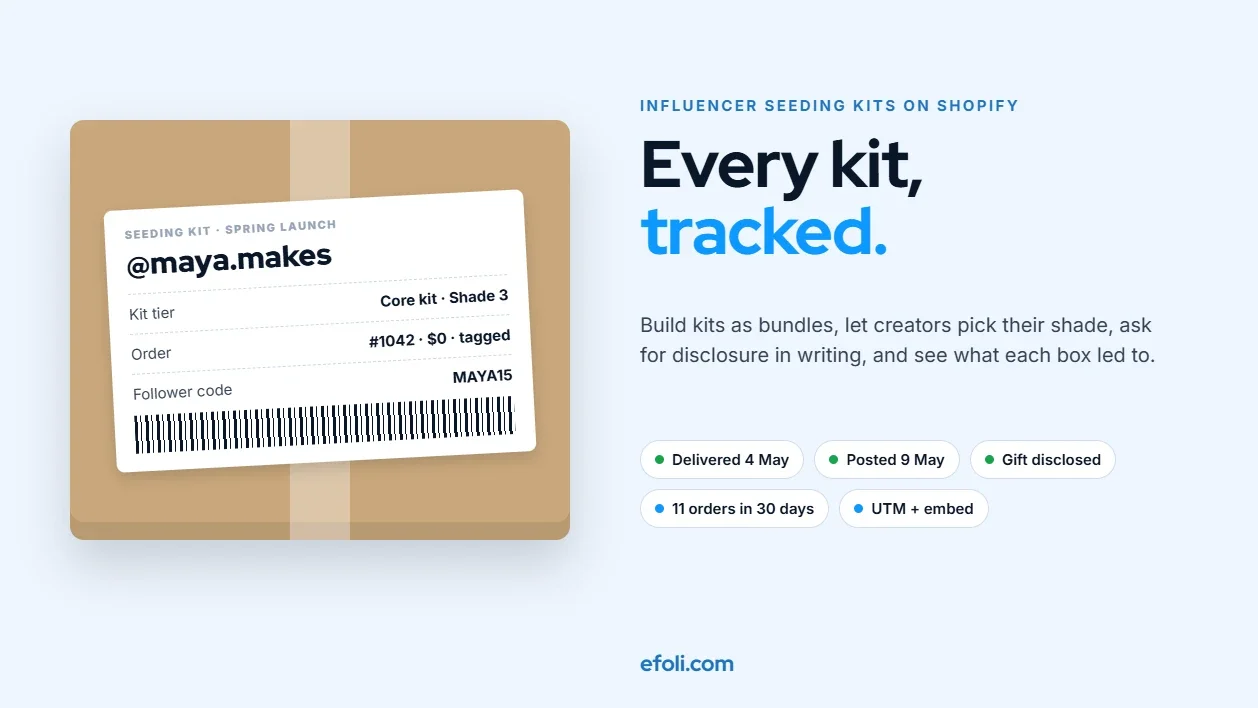
Build Influencer Seeding Kits on Shopify That Marketing Teams Can Configure and Track
November 16, 2026 • 17 min read
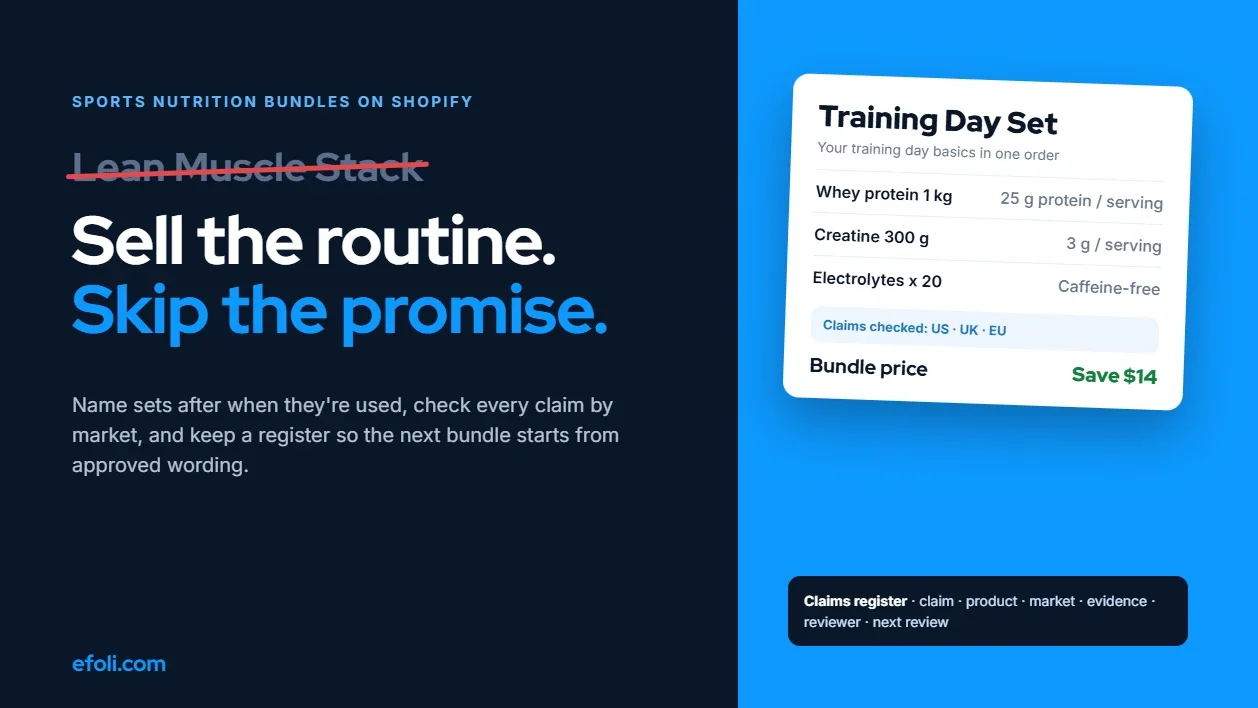
How to Build Sports Nutrition Bundles on Shopify Without Making Unsupported Claims
November 16, 2026 • 18 min read
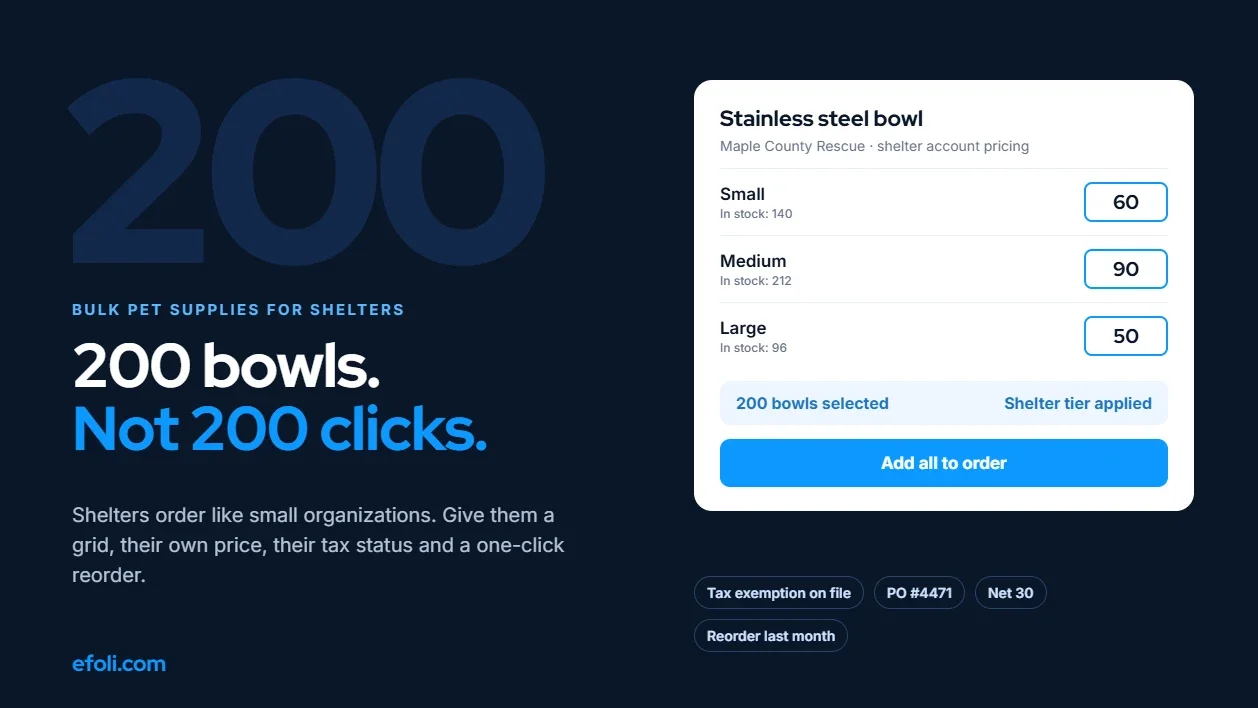
A Shelter Needs 200 Bowls, Not 200 Clicks: Selling Bulk Pet Supplies to Shelters on Shopify
November 16, 2026 • 18 min read