The Fashion Migration Checklist Nobody Should Skip: Variants, Packs and Prices
Variants, wholesale packs and trade prices decide most fashion migrations. A playbook from requirements to handoff, with a mapping sheet, a test matrix and a checklist.
On this page
- Key takeaways
- Stage 1: Requirements
- Start with an inventory, not a sitemap
- Write the requirements in the brand's words
- Quote the hidden work honestly
- Decide early on the plan and the B2B route
- Stage 2: Setup
- Map variants before you import a single product
- Use product categories and metafields for fashion data
- Rebuild retail discounts on purpose
- Set up trade pricing
- Build the size-run ordering experience
- Prepare redirects
- Stage 3: Edge cases
- Customer passwords
- Order history
- Prepacks and cartons
- Inventory per location
- Gift cards and loyalty
- Tax and international
- Line sheets and pre-orders
- Stage 4: Tests
- A test matrix for fashion migrations
- Test with stockists, not just staff
- Test the pricing logic under pressure
- Stage 5: Handoff
- Write a runbook
- Agree post-launch checks
- Worked example: Arden Row's launch
- Before the migration
- What the agency built
- What the first month usually looks like
- Migration checklist for fashion brands
- To Sum Up...
- FAQ
Short answer: A fashion migration to Shopify succeeds or fails on three things that rarely appear in the project quote: how variants map across, how wholesale packs and minimums work, and how prices differ by customer. Products and customers move with a migration app or CSV. The hard part is that a jean in six washes, twenty waists and four lengths may not fit Shopify's three product options without a plan, that wholesale buyers expect size runs and case packs, and that trade prices often live in a WooCommerce plugin with no Shopify equivalent. Scope those three areas first, configure them with native features where you can, test the edge cases with real buyers, and hand over a written runbook.
This is a playbook for Shopify agencies and in-house teams moving a fashion brand to Shopify. It follows a fictional denim label, Arden Row, through the usual stages: requirements, setup, edge cases, tests and handoff. Each stage ends with the decisions you need to make before moving on.
Arden Row sells jeans, jackets and basics through a WooCommerce store. About 70% of revenue is retail. The other 30% comes from 40 boutique stockists who log in, see trade prices and order in size runs. The founder wants to move to Shopify before the spring collection. Their brief to the agency was one line: "Move everything across and make it work the same."
That line hides most of the work.
Key takeaways
Scope variants, packs and pricing before you quote. They decide most of the project's risk.
Shopify products support up to three options and up to 2,048 variants. Map any extra attributes before you import.
Customer passwords don't migrate. Plan how customers and stockists will sign in on day one.
Wholesale size runs and case packs need either native B2B quantity rules or an app that handles them on the product page.
Customer-specific pricing on non-Plus plans is limited to three active catalog assignments across B2B markets. Plan around that limit.
Test with real orders from real stockists before launch, not just a product page check.
Stage 1: Requirements
Start with an inventory, not a sitemap
Before writing a scope, pull a full export of the current catalogue and count:
Products, and variants per product.
Attributes per product and the values for each one.
Products with more than three attributes.
Products near or above 2,048 combinations.
Images per product and per variant.
Products sold only to trade, only to retail, or both.
Discount rules, coupons, gift cards and loyalty balances.
For Arden Row, the numbers told the story. Most products had two attributes, size and colour. But the core jean had wash, waist, length and fit. That's four attributes. And one style had six washes, 14 waists, four lengths and two fits, which is 672 combinations. Not a problem for the variant count, but a problem for the option count.
Shopify's own migration guide lists the main routes: copy and paste, CSV import, the Store Migration app, a Shopify Partner, or a custom build using the API. For a fashion catalogue of a few hundred products, the Store Migration app or a CSV approach usually covers products, customers and historical orders. The question isn't how to move the data. It's what shape the data should be in when it lands.
Write the requirements in the brand's words
Ask the client what "work the same" means in practice. For Arden Row, the list looked like this:
Area | What the client said | What it means for the build |
|---|---|---|
Variants | "Customers pick wash, waist, length and fit" | Four attributes into three Shopify options |
Size charts | "Every style has its own fit guide" | Per-product content, not one global page |
Swatches | "We show the wash as a photo" | Swatches linked to variant images |
Stockists | "They see trade prices when logged in" | Customer-specific pricing |
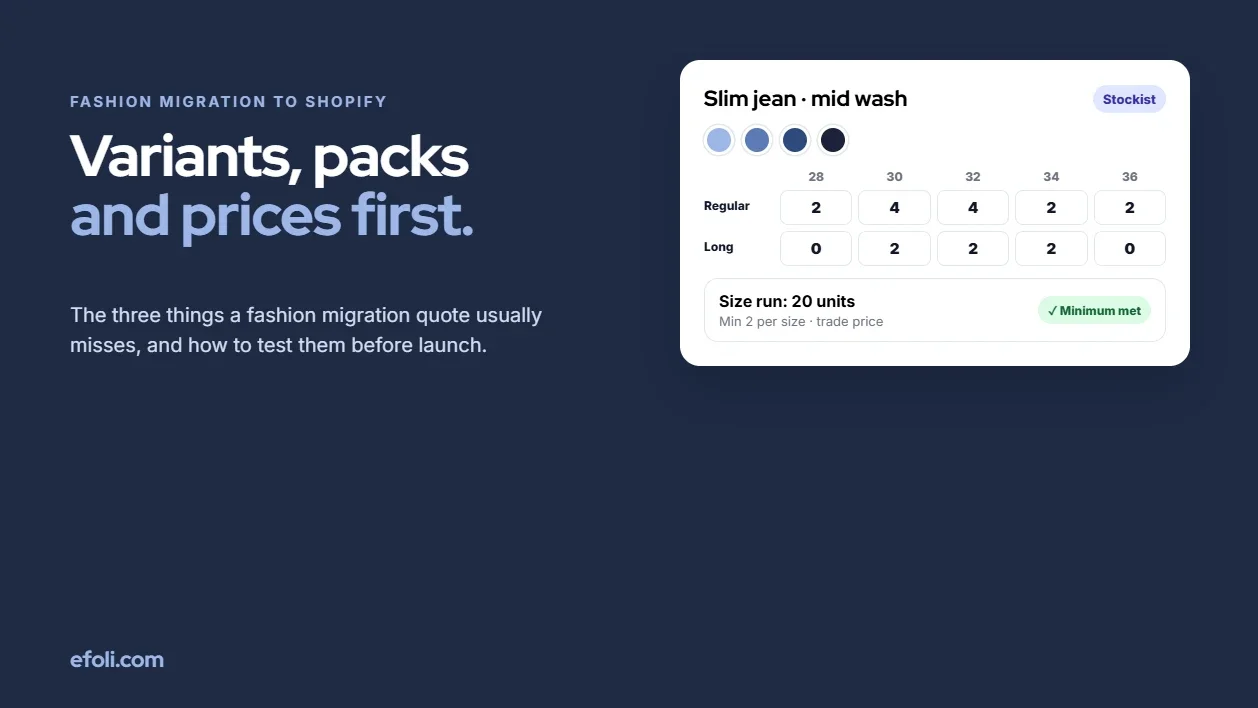
Size runs | "Stockists order 1 of each size, minimum 2 runs" | Quantity rules or a size-run form |
Minimums | "Trade orders must be at least £300" | A cart minimum for trade customers |
Promos | "Retail gets 20% off in sales, trade never does" | Discount eligibility by customer type |
Old links | "Our Instagram links go to old product URLs" | Redirects |
Accounts | "Customers have logins with order history" | Account activation and order history |
Every row here became a decision. None of them was in the original quote.
Quote the hidden work honestly
Fashion migrations are often quoted by product count. That's misleading, because the hours rarely go into moving products. They go into the decisions around them. When you scope, give each of these its own line in the estimate:
Work item | Why it takes time |
|---|---|
Variant mapping | Every product with more than three attributes needs a decision, and the client has to approve it |
Image reassignment | Variant images rarely land on the right variant after import |
Trade pricing | Plugin logic has to be rebuilt as catalogs or app rules, then tested with each customer type |
Size runs and packs | Minimums, steps and grids need configuration and buyer testing |
Redirects | Old URL patterns have to be found, mapped and checked |
Stockist onboarding | Companies, contacts, terms and sign-in emails |
Testing | A full matrix of retail and trade orders, run more than once |
Arden Row's first quote from another agency covered "product, customer and order migration" and a theme. It didn't mention trade pricing or size runs at all. That's how projects end up over budget two weeks before launch. A line-by-line scope also helps the client see which requirements are worth the cost and which can wait until after launch.
Decide early on the plan and the B2B route
Two platform choices shape everything else:
Which Shopify plan? Native B2B is available on Basic, Grow, Advanced and Plus, but some features differ. Shopify's B2B plan features page says that on non-Plus plans you can have up to three active catalog assignments across active B2B markets, and that catalogs assigned directly to a company or location are Plus only. Quantity rules, volume pricing, payment terms, the quick order list and easy reorders are on all B2B plans.
Native B2B, an app, or both? For a brand with 40 stockists on one trade price, native B2B with one catalog may be enough. For a brand with several trade price levels, a few key accounts with negotiated prices and retail promos that must not touch trade, the three-catalog limit becomes tight. Anika's comparison of native Shopify B2B vs MultiVariants for size runs goes through that decision in detail.
Write the choice down before setup starts. Switching later means rebuilding pricing and testing again.
Stage 2: Setup
Map variants before you import a single product
Shopify allows up to three options per product. When a product has four attributes, you have three common choices:
Combine two attributes into one option. For example, "Waist / Length" with values such as "30 / 32". This keeps one product page but can make the option list long.
Split the product by one attribute. Create one product per wash, linked as a group in the theme. Each product then has waist, length and fit as options. This is common in fashion and helps with collection filtering and images.
Move one attribute to a line-item property. For something that doesn't need its own stock, such as hemming, use a custom field rather than a variant.
Arden Row split by wash. Each wash became its own product, with waist, length and fit as options. The theme showed sibling washes as swatches on the product page, linking to the other products. That kept the product pages tidy, gave each wash its own images and made "Light wash" a filterable product in collections.
Anika's post on Shopify variant limits explains the limits and the workarounds if you want to go deeper.
Before importing, build a mapping sheet:
WooCommerce field | Shopify field | Notes |
|---|---|---|
Product name | Title | Add wash to the title if splitting by wash |
Attribute: Waist | Option 1 | Keep value format consistent: "30" not "30in" |
Attribute: Length | Option 2 | "Short", "Regular", "Long" |
Attribute: Fit | Option 3 | |
Attribute: Wash | Separate product | Link siblings with a metafield |
SKU | Variant SKU | Check for duplicates |
Barcode | Variant barcode | |
Regular price | Variant price | Retail price only |
Trade price plugin field | Catalog or app | Not a standard product field |
Weight | Variant weight | Needed for shipping rates |
Gallery images | Product media | Assign variant images after import |
Categories | Collections and product category | Use Shopify's product taxonomy where possible |
Use product categories and metafields for fashion data
Shopify's standard product taxonomy includes fashion categories with attributes such as colour, size and fabric. Many themes use these category metafields for swatches and filters. Set the product category during import so the store can filter by fit, rise or fabric without custom code.
Size charts are usually best as a metafield that points to a page or a rich-text block. That lets each style have its own fit guide, which matters in denim where a slim and a relaxed fit in the same waist measure differently.
Rebuild retail discounts on purpose
WooCommerce coupon logic doesn't import directly. Rebuild discounts in Shopify, and use the move as a chance to tidy them. Decide which discounts are automatic, which are codes and which customers are eligible.
For Arden Row, the key rule was that retail sales should never apply to trade orders. Shopify discounts can be limited by customer segment, and DiscountRay can target discounts by customer tag, group or company on its Growth and Pro plans. Set up trade and retail discount rules so a retail sale never stacks on a trade price.
Set up trade pricing
There are two main routes for trade prices:
Native B2B catalogs. Create a company for each stockist, assign a catalog with a percentage off or fixed prices, and set quantity rules. Good for one or two price levels on a non-Plus plan, or many on Plus.
An app with customer-tag pricing. Apps like DiscountRay can apply prices by customer tag or company, with tiers by quantity. This can be simpler when stockists don't need the full B2B checkout, or when you need more price levels than the plan's catalog limit allows.
Arden Row had two trade levels, "Standard stockist" and "Key account," plus retail. That fit within three catalog assignments, so they used native B2B catalogs for prices and payment terms. Anika's guide to Shopify B2B catalog pricing rules is a good reference for how catalog prices, percentages and volume pricing interact.
Build the size-run ordering experience
This is where fashion wholesale differs most from retail. A stockist doesn't want to pick waist 30, length 32, add to cart, go back, pick waist 31, and repeat. They want to see the whole size grid and type quantities.

Native B2B offers a quick order list on product pages for B2B customers. If that suits the theme and the buyers, use it. If stockists need a matrix by two options, minimums per size or per colour, or order steps for case packs, an app like MultiVariants can add those to the product page. Its Standard plan adds list, grid and matrix layouts, B2B catalog prices and customer eligibility rules. Its Professional plan adds minimum and maximum quantities per variant or total, a minimum per option value and order steps. You can add a size-run order grid that shows only to trade customers and keeps the retail page simple.
For Arden Row, the rule was "at least two of each size in a run, total at least 12 per style." That's a minimum per option plus a total minimum.
Prepare redirects
Old URLs carry search traffic, backlinks and social links. Shopify supports URL redirects, including a CSV import. Stores can have up to 100,000 redirects, or 20 million on Plus. Map:
Old product URLs to new product URLs (including split products).
Old category URLs to collections.
Old blog and page URLs.
Common old URL patterns, such as product URLs with variant parameters.
When you split a product by wash, decide where the old product URL should go. Arden Row sent the old URL to the most popular wash.
Stage 3: Edge cases
Edge cases are where a fashion migration usually breaks after launch. Here are the ones that came up for Arden Row and that come up often in fashion projects.
Customer passwords
Customer passwords don't move from another platform to Shopify. Customers either activate their account or, with Shopify's new customer accounts, sign in with a one-time code sent to their email. Customer accounts also support Shop, Google and Facebook sign-in, and sessions can last up to a year.
For retail customers, passwordless sign-in removes most of the friction. For stockists, it's still worth an email the week before launch that explains the change, with a link to sign in.
Order history
Historical orders can be imported, but they won't behave like native orders for every purpose. Decide which history is needed: for customer service, for reorder, for reporting. Many brands import a year or two of history and keep the old export for anything older.
Prepacks and cartons
Some stockists don't order by size. They order a prepack, such as one carton with a fixed size ratio. That's a different product structure from a size run. Anika's post on fashion wholesale prepacks and cartons covers the options. Decide whether prepacks are separate products, bundles or quantity steps, and test inventory deduction.
Inventory per location
If the brand ships from a warehouse and also holds stock in a showroom or a shop, set up locations and test which one fulfils trade orders. A stockist order that pulls from the retail shop's stock can cause trouble on a busy weekend.
Gift cards and loyalty
Gift card balances can migrate, but loyalty points usually live in a separate app and need their own migration plan. Agree what happens to points before customers start asking.
Tax and international
If the brand sells across borders, check prices with and without tax, duties settings and any trade customers who are tax exempt. In Shopify B2B, a company location can have its own tax ID and tax settings, which is useful for stockists in different countries.
Line sheets and pre-orders
Fashion brands often sell the next season before it arrives. If stockists place forward orders from a line sheet, plan how that works in Shopify: a separate catalog, a pre-order app, or a quote. Anika's guide to the Shopify line sheet covers ways to present seasonal collections to trade buyers.
Stage 4: Tests
Testing a fashion migration means testing orders, not just pages. Build a test script with real scenarios and run it on a development store or a password-protected launch store with real products.

A test matrix for fashion migrations
Test | Customer | Expected result |
|---|---|---|
Buy one jean, one size | Retail guest | Retail price, retail discount applies |
Buy during a sale | Retail signed in | Sale price applies |
Buy during a sale | Stockist | Trade price, sale doesn't stack |
Order a size run below minimum | Stockist | Blocked with a clear message |
Order a size run at minimum | Stockist | Allowed, trade price applied |
Order a case pack in wrong steps | Stockist | Quantity adjusted or blocked |
Key account price | Key account | Lower trade price shown |
Old product URL | Anyone | Redirects to new product |
Old URL for split product | Anyone | Redirects to chosen wash |
Sign in first time | Existing customer | One-time code works |
Reorder from history | Stockist | Previous order can be reordered |
Tax-exempt stockist | Stockist | No tax charged where configured |
Mobile size grid | Stockist on phone | Grid is usable, totals clear |
Out of stock size | Any | Size shows as unavailable |
Test with stockists, not just staff
Staff know where everything is. Stockists don't. Invite two or three friendly stockists to place a real order on the new store before launch. Watch where they hesitate. Arden Row found that stockists didn't notice the size grid until they scrolled, so the agency moved it above the description for trade customers.
Test the pricing logic under pressure
Run the sale scenarios twice: once with a retail sale active and once with a trade promotion active. Check every combination of customer type and discount. Price errors in fashion usually show up in the first sale after launch, not on launch day.
Stage 5: Handoff
Write a runbook
The brand's team will run the store after the agency leaves. Give them a short runbook that covers:
How to add a new style, including variants, swatches and size chart.
How to add a new stockist, assign their price and set their terms.
How to change trade minimums.
How to set up a sale without touching trade prices.
How to add redirects when a product is removed.
Who to call for each app.
Agree post-launch checks
Agree a two-week check-in list:
Search Console errors and redirect gaps.
Customer sign-in support tickets.
Stockist orders that failed or were placed by email instead.
Price complaints.
Inventory sync issues.
Anika's guide to replatforming an ecommerce store covers the broader migration project, including SEO and stakeholder planning, if you need a wider view.
Worked example: Arden Row's launch
This example is a composite. Arden Row isn't a real brand.
Before the migration
On WooCommerce, Arden Row's trade customers used a pricing plugin that showed trade prices to a "Stockist" role. Minimums were enforced by a second plugin. Size runs were entered one variant at a time. The brand's team did a lot of manual work: fixing orders below minimum, refunding retail discounts that had applied to trade, and re-entering forward orders from emails.
What the agency built
Split the core jean into one product per wash, with waist, length and fit as options.
Used product categories and metafields for fit, rise and fabric filters.
Used a native B2B catalog for each trade level, with net 30 terms for key accounts.
Added a variant grid for trade customers with a minimum per size and a total minimum per style.
Limited retail discounts to retail customers.
Imported two years of order history.
Mapped 1,400 old URLs to new ones.
Sent stockists a sign-in guide the week before launch.
What the first month usually looks like
In a typical first month after a build like this, most stockists place their first order without help. The brand stops refunding retail discounts on trade orders. A couple of stockists still email orders out of habit, so the team sends them a short video. One missed redirect pattern usually shows up in Search Console in the first week and takes an afternoon to fix.
None of these outcomes is guaranteed. But the pattern is consistent: the problems that slow down fashion migrations are predictable, and most of them can be found in testing.
Migration checklist for fashion brands

Requirements
Catalogue inventory with attribute counts per product.
List of products with more than three attributes.
Trade, retail and key account price levels documented.
Wholesale minimums, size runs and case packs documented.
Shopify plan and B2B route chosen.
Setup
Variant mapping sheet approved.
Product categories and metafields set.
Size charts per style.
Discounts rebuilt with customer eligibility.
Trade pricing configured.
Size-run ordering configured for trade.
Redirects imported.
Edge cases
Customer sign-in plan and email.
Order history scope agreed.
Prepacks and cartons tested.
Inventory locations tested.
Gift cards and loyalty plan agreed.
Tax and international settings checked.
Tests
Test matrix completed.
Real stockist test orders placed.
Sale scenarios tested with every customer type.
Handoff
Runbook delivered.
Post-launch check-in booked.
To Sum Up...
Arden Row's brief said "make it work the same." What they meant was: keep the variants customers understand, keep the size runs stockists expect, and keep trade prices separate from retail sales. Those three areas decide whether a fashion migration launches cleanly. Scope them first, test them with real buyers and hand the brand a runbook they can use without the agency.
FAQ
How do I migrate a fashion store to Shopify?
What happens if a product has more than three options?
Do customer passwords transfer to Shopify?
How do I handle wholesale size runs after migrating?
Can I keep different prices for stockists and retail customers?
How many redirects can a Shopify store have?

Anika Anamta Mehnaz
This article is written by Anika Anamta Mehnaz, a Content Writer and Content Marketing Strategist specializing in Shopify, eCommerce, and SaaS. With over four years of content writing experience, she creates SEO and AI search-optimized content that helps Shopify merchants make better business decisions through practical, research-backed insights. Her work covers Shopify apps, product variants, bundles, discounts, B2B commerce, and conversion-focused strategies. Outside of work, Anika enjoys watching anime, reading John Grisham novels, and discovering new ideas in digital marketing and e-commerce. If you enjoy discussing Shopify, content marketing, or online growth, feel free to connect with her. Twitter: https://x.com/mehnaz2201 Medium: https://medium.com/@mehnaz_78932
Keep reading
View all articles →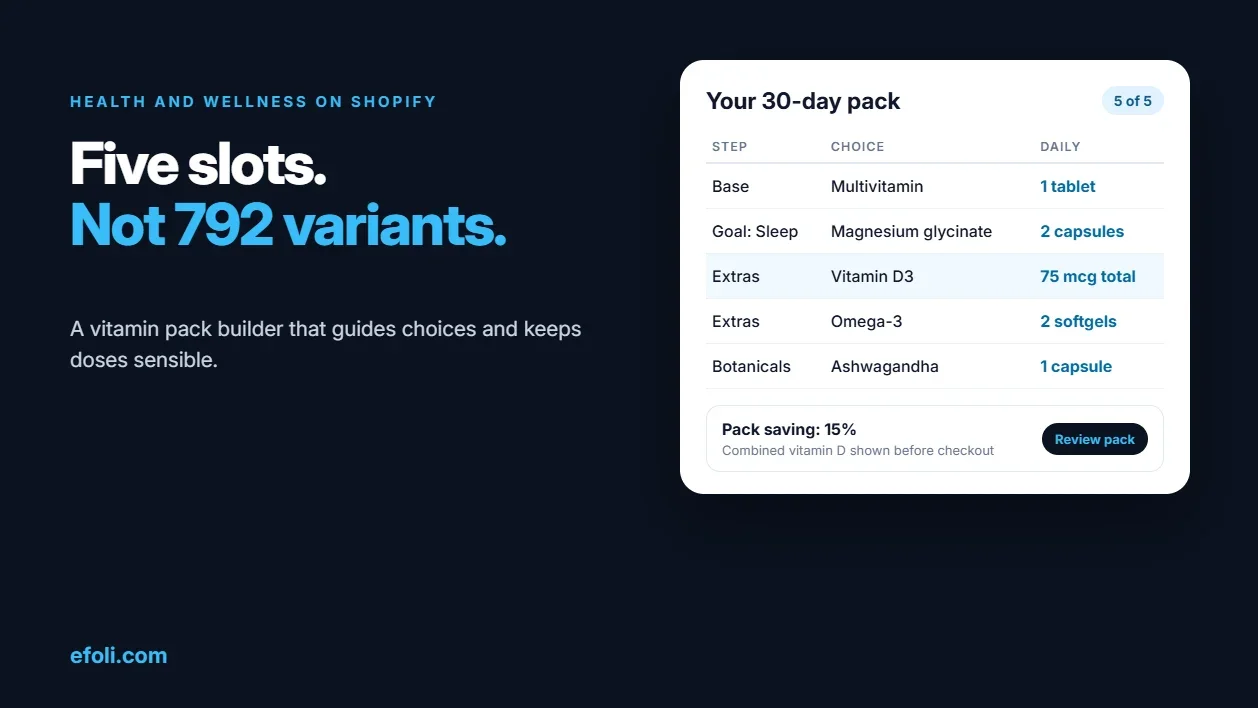
Build Vitamin Kits Around Choices, Not a Wall of Product Variants
November 23, 2026 • 18 min read
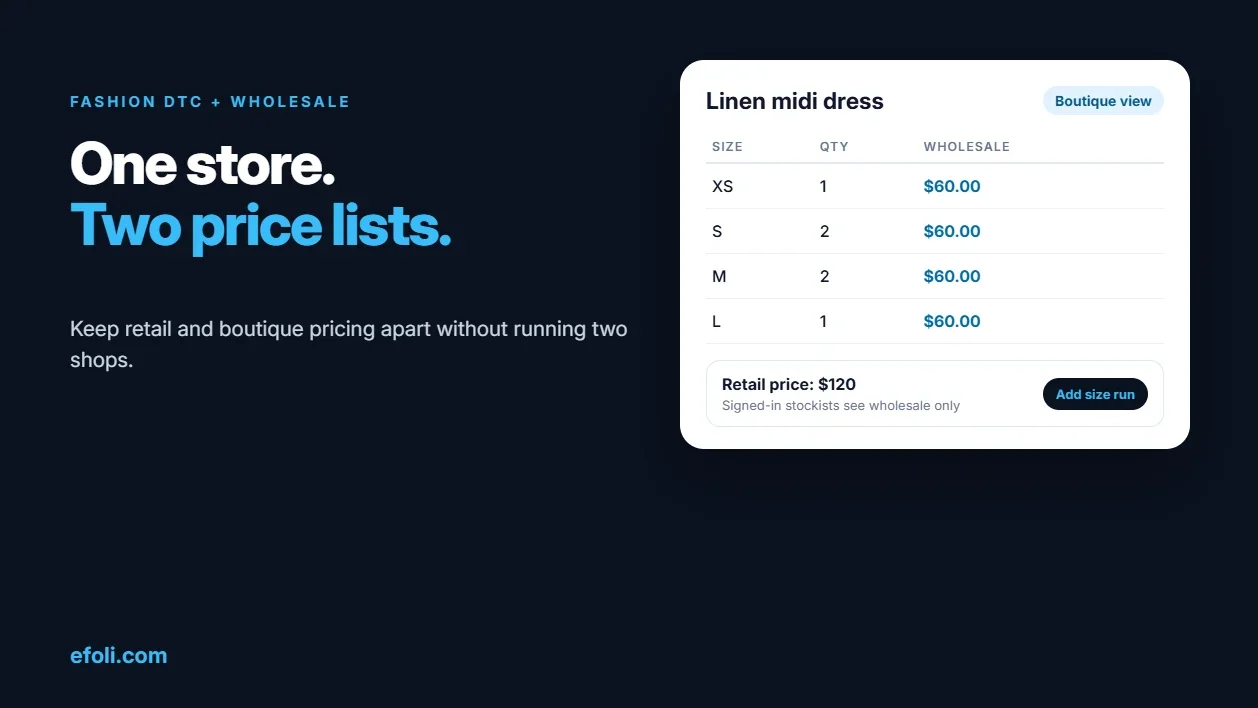
How to Build Retail and Wholesale Pricing Without Splitting the Store
November 23, 2026 • 17 min read
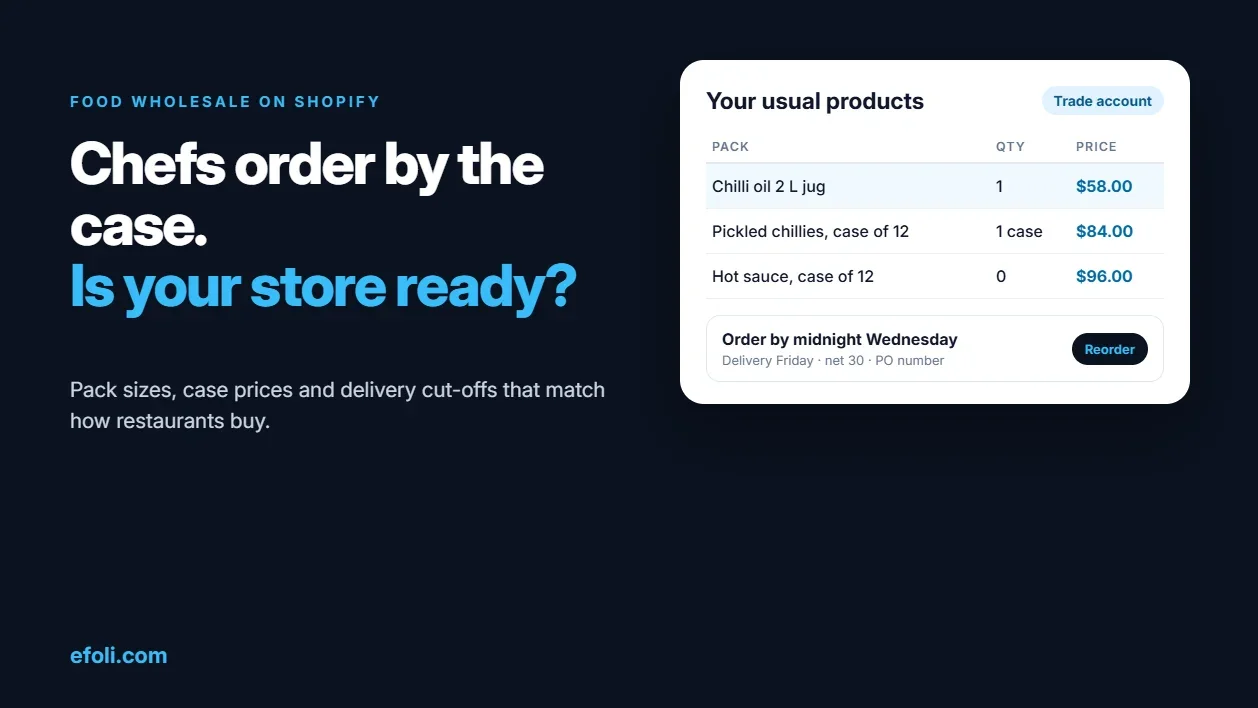
The Restaurant Orders by the Case. Your Website Sells by the Jar.
November 23, 2026 • 17 min read