What Shopify's AI Agent Checkout Can and Can't Sell (Yet)
Shopify's agentic checkout lets shoppers buy inside Google AI Mode, Gemini and Copilot, but bundles, subscription-only products, pickup and local delivery don't work there yet. Here's what sells, what doesn't, and where to send everyone else.
On this page
- Shopify agentic checkout at a glance
- Which AI agents use Shopify's checkout and which use yours
- What you need to sell on Gemini and Google AI Mode
- Products Shopify's AI agent checkout can't sell yet
- Product bundles
- Subscription-only products
- Customizable products
- B2B-only products
- Delivery and sign-in limits: local delivery, pickup and customer accounts
- What doesn't fire or show: analytics, pixels and checkout blocks
- Google Analytics and custom pixels
- Checkout blocks: upsells, add-ons, fees and badges
- What works in Google AI Mode Shopify checkout: discounts, Functions and compare-at prices
- How to check Shopify Catalog eligibility in your admin
- What to do: which products to feature and where to send shoppers
- Products to feature for AI shoppers
- How to send bundle and pickup shoppers to your store
- Keep direct checkout on or turn it off?
- Where our apps fit
- How these limits are likely to change
- Conclusion
Checked against Shopify's Help Center on November 23, 2026. Shopify updates these pages often, so we recheck them regularly.
It's Black Friday week, and a candle shop gets its first order marked as coming from Gemini. It's a single candle. The shop's best seller, a three-candle holiday gift box, didn't sell through the agent at all. The order skipped the gift-wrap upsell, and Google Analytics has no record of it.
Nothing was broken. Shopify agentic checkout, the Shopify-powered checkout that runs inside Google AI Mode, Gemini, Microsoft Copilot and Meta, is switched on by default for eligible stores, but it doesn't sell everything a store sells. Bundles, subscription-only products, personalized items, local delivery and pickup are all missing, and the full list is spread across several Shopify Help Center pages.
That matters more this season than last. Adobe expects AI traffic to US retail sites to rise 130% this holiday season, with the biggest jumps on Thanksgiving and Black Friday. A product an agent can't sell either loses the sale or depends on the shopper clicking through to your store.
This guide covers what works in Shopify's AI agent checkout, what doesn't yet and why, how to check that your store is eligible, and what to do with the products agents can't sell. Agent checkout arrived with the Shopify Fall '26 Edition, and it's the part of that release with the most fine print.
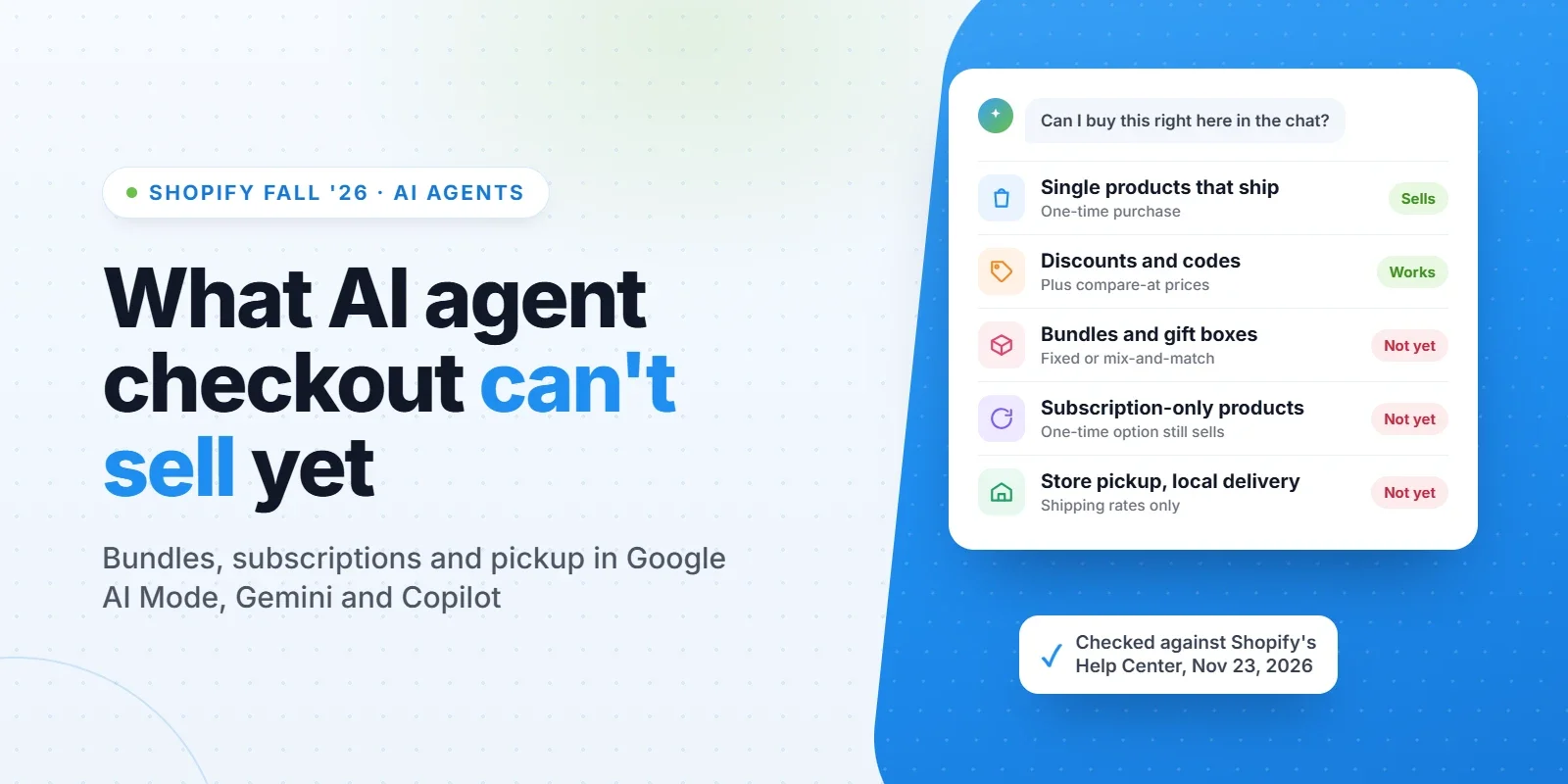
Short answer: Shopify agentic checkout can sell most simple, one-time products that ship. It supports automatic discounts, discount codes and Shopify Functions for shipping, discounts and checkout validation, and your compare-at prices now reach agents through Shopify Catalog. It doesn't yet support product bundles, subscription-only products, customizable products, B2B-only products, local delivery, store pickup, pickup points or stores that require sign-in. Google Analytics and custom pixels don't fire, and some checkout blocks, such as upsells and add-ons, may not show. ChatGPT is different: it sends shoppers to your own checkout, so everything works there.
TL;DR
Google AI Mode, Gemini, Microsoft Copilot and Meta use Shopify's direct checkout inside the agent. ChatGPT sends shoppers to your own store checkout.
Direct checkout doesn't support bundles, subscription-only products, customizable products, B2B-only products, local delivery, pickup or required sign-in.
Discount codes, automatic discounts and Shopify Functions work, and compare-at prices reach agents through Shopify Catalog.
Only server-side pixels fire, so agent orders don't show in Google Analytics, and upsell, add-on and fee blocks may not load.
Check eligibility under Sales channels > Agentic, next to Sources > Shopify Catalog.
Feature simple one-time products for AI shoppers, and keep bundles and pickup on your own store.
Shopify agentic checkout at a glance
Here's what happens to each part of your store when a shopper buys inside Google AI Mode, Gemini, Copilot or Meta. These rules come from Shopify's Google AI Mode and Gemini Help Center page, and the Copilot and Meta pages list the same limits.
Feature | Works in direct checkout? | What happens |
|---|---|---|
Automatic discounts | Yes | Applied at checkout as usual |
Discount codes | Yes | The shopper can enter a code |
Shopify Functions (shipping, discounts, cart and checkout validation) | Yes | They run as they do on your store |
Compare-at prices | Yes | Sent to agents through Shopify Catalog, so the agent can show the markdown |
Product bundles | No | Not supported |
Subscription-only products | No | Not supported |
Products with a subscription and a one-time option | Partly | Sold as a one-time purchase only |
Customizable products | No | Not supported |
B2B-only products | No | Excluded from AI channels |
Local delivery | No | Not offered as a delivery method |
Pickup in store and pickup points | No | Not offered as delivery methods |
Required sign-in before checkout | No | You can't require customers to sign in |
Google Analytics and custom pixels | No | Only server-to-server pixels fire (checkout started and completed) |
Checkout blocks (upsells, add-ons, custom fields, loyalty, trust badges) | Maybe | Many may not load |
Accelerated checkout buttons | Partly | Only some of the options on your store |
The "Maybe" row matters most for stores that rely on checkout apps. It's covered in the section on what doesn't fire or show below.
Which AI agents use Shopify's checkout and which use yours
Not every AI channel checks out the same way, and that changes which limits apply to you. According to Shopify's agentic storefronts overview, ChatGPT is a referrer, while Google AI Mode, Gemini, Copilot and Meta can complete the purchase inside the agent.
AI channel | Where the shopper pays | Buyers who can check out | Do the limits apply? |
|---|---|---|---|
ChatGPT | Your online store checkout, in ChatGPT's in-app browser or a new tab | US | No. Your own checkout, apps and payment methods work as normal |
Google AI Mode and Gemini | Shopify-powered direct checkout inside Google | US, Canada and Australia (rolling out gradually) | Yes |
Microsoft Copilot | Shopify-powered direct checkout inside Copilot | US | Yes |
Meta, including Muse | Shopify-powered direct checkout on Meta surfaces | 11 countries, including the US, UK, Canada and Australia | Yes, and checkout blocks aren't supported at all |
Two details make this table useful. First, a bundle or a pickup order can still be completed when the shopper comes from ChatGPT, because they pay on your store. Second, buyers outside a channel's countries can still find your products, but Shopify sends them to your online store to buy.
Shoppers can also pay with Shop Pay inside personal AI agents that they connect to Shop. More than 400 million people already use Shop Pay, and you don't need to turn anything on for it. Orders from every AI channel show up in your Shopify admin with the channel or agent attributed, so you can tell them apart from storefront orders.
What you need to sell on Gemini and Google AI Mode
To sell on Gemini and Google AI Mode with direct checkout, Shopify lists these requirements:
You sell to customers in the United States, Canada or Australia. Your store can be based in any country.
You have a Google Merchant Center account that meets Google's requirements.
Your products are in Merchant Center, either through the Google & YouTube sales channel with Automatically sync products and Automatically sync shipping information turned on, or through a feed provider or manual upload.
Your products are eligible for Shopify Catalog.
You've agreed to the Shopify Agentic Storefronts Supplemental Terms of Service.
Your Terms of service, Privacy policy, and Return and refund policy are filled in under Settings > Policies.
Copilot, Meta and ChatGPT find your products through Shopify Catalog instead of Merchant Center. All four channels need Catalog eligibility and completed policies.
Products Shopify's AI agent checkout can't sell yet
Four product types make up the Shopify AI agent checkout limitations that cost stores the most sales. None of them is supported in Google AI Mode and Gemini checkout, or in Copilot and Meta. Here's why each one is a problem and what you can do about it.
Product bundles
Bundles aren't supported in direct checkout, whether they're fixed kits, mix-and-match boxes or build-your-own sets. The root cause is in the data: agents read products and variants, and there's no standard way yet to tell them that several products form one offer with its own rules and price. That's why AI agents can't read Shopify bundles as bundles yet, and no bundle app can fix it on its own.
What to do: make sure each product inside your bundles is complete and eligible on its own, with a clear title, images and price. An agent can then recommend the single products, and a shopper who wants the box can buy it on your store. If bundles are most of your revenue, read the section on when to turn direct checkout off.
Subscription-only products
Products sold only as subscriptions aren't supported. If a product offers both a one-time purchase and a subscription, a shopper can buy it once inside the agent but can't choose the subscription.
What to do: if you want a subscription product to be buyable in agents, add a one-time purchase option. The agent sale becomes a first order, and you can invite the customer to subscribe in your order confirmation or follow-up emails. Changing purchase options can affect how your subscription and bundle apps work together, so place a test order before you switch.
Customizable products
Products that need input from the shopper, such as engraving, monograms or a photo upload, aren't supported. Shopify Catalog also excludes product add-ons, which include customizations and upgrades, extended warranties and shipping insurance.
What to do: if a plain version of the product makes sense as a gift, list it as its own product so agents can sell it. Keep the personalized version on your store, where the shopper can fill in the details.
B2B-only products
Shopify's agentic storefronts support direct-to-consumer sales only. Products you publish only to B2B catalogs, products that need a customer login to view, and stores in private mode are left out automatically. If you sell the same product to both wholesale and retail buyers, agents see only your retail price.
What to do: nothing, if you use Shopify B2B with catalogs and companies, because that keeps wholesale prices out of AI channels. If you hide wholesale prices with a third-party app or theme code, Shopify may not recognize those products as B2B, and they could appear to retail shoppers in AI channels. A standard Shopify wholesale setup with B2B catalogs avoids that risk.
Delivery and sign-in limits: local delivery, pickup and customer accounts
Local delivery, pickup in store and pickup points aren't offered as delivery methods in direct checkout. A shopper buying inside Gemini or Copilot sees only your shipping rates. If a product has no shipping rate to the shopper's address, they can't complete the order there.
You also can't require customers to sign in before checkout. That matters for stores that gate prices or products behind a customer account, which usually means B2B stores.
What to do:
Check that every product you want agents to sell has a shipping rate to US, Canadian and Australian addresses, or to the countries you sell to on Meta.
If local delivery or pickup is a big part of your holiday sales, describe it in your agentic knowledge base under Sales channels > Agentic. The knowledge base is where agents look for store facts such as shipping timelines and your return process, so it can help an agent answer a question about pickup. It doesn't add pickup to the checkout.
Keep your delivery promises realistic for every channel. Holiday delivery dates you can actually keep matter just as much for an agent order as for a storefront order, because the shopper still contacts you if it's late.
What doesn't fire or show: analytics, pixels and checkout blocks
Two limits don't stop a sale, but they change what you see and what the customer gets.
Google Analytics and custom pixels
Google Analytics and custom pixels won't fire in direct checkout. Shopify fires only server-to-server pixels for checkout started and checkout completed, so client-side tracking such as GA4, ad pixels and heatmaps misses these orders.
What to do: use your Shopify admin for agent sales. Orders show the channel they came from, so you can report on them there. Don't read a gap between Shopify and Google Analytics during BFCM as lost orders until you've checked the agent channels.
Checkout blocks: upsells, add-ons, fees and badges
Shopify loads only the checkout blocks that are essential to completing the purchase. A block is eligible to load only if it supports blocking checkout and has that setting turned on, and even then Shopify doesn't guarantee it will show. These block types are the most likely to be missing:
Blocks that change what the shopper buys, such as quantity changes, add-ons, upsells, surcharges or other extra charges
Loyalty and rewards
Address autocomplete and client-side validation
Consent collection for data use and marketing
Chat or messaging
Blocks in the checkout header, footer or payment section
Information-only blocks, such as trust badges, reviews and disclaimers
Merchants have already run into this. One merchant in the Shopify Community reported that required hazmat and temperature-controlled shipping fees, added by a checkout app, weren't applied to orders placed through AI agents. In Meta's direct checkout, checkout blocks aren't supported at all.
What to do: list every checkout app that shows something or collects something at checkout. For each one, ask: if this didn't appear, would the order still be correct? A missing trust badge is fine. A missing required fee, age confirmation or delivery note isn't. Rules that must apply to every order are safer as Shopify Functions, which do run in direct checkout, than as display blocks. Ask each app developer which approach their app uses.
What works in Google AI Mode Shopify checkout: discounts, Functions and compare-at prices
The other half of the answer is good news for anyone running a sale.
Automatic discounts and discount codes: Shopify says any automatic discount or discount code you set up is supported in Google AI Mode and Gemini checkout, and the same is true for Copilot and Meta.
Shopify Functions: shipping, discount, and cart and checkout validation Functions run in direct checkout. That includes many discount and shipping apps built on Functions.
Compare-at prices: since the Fall '26 Edition, Shopify Catalog sends your compare-at prices to AI agents with no extra setup. On the Channel mapping page you can choose whether Catalog uses your price or your compare-at price as the list price. Agents might use it to show strikethrough pricing, but Shopify doesn't guarantee that they will.
No extra fees: Shopify says there are no fees for selling in Google AI Mode and Gemini checkout beyond your standard payment processing fees.
A compare-at price is product data the agent can show before checkout, while a discount only applies at checkout. That's why compare-at prices and discounts reach AI shopping agents differently, and why a sale built only on automatic discounts can look full price to an agent.
How to check Shopify Catalog eligibility in your admin
Every AI channel needs your store and products to be eligible for Shopify Catalog. Here's how to check:
From your Shopify admin, go to Sales channels > Agentic.
Find Sources > Shopify Catalog.
If your store is eligible, you'll see the number of products in Shopify Catalog. Click it to review the products, and use Review product data mapping if your titles or descriptions live in metafields.
If you see Ineligible, click it to see the reason.
If you see "Catalog eligibility details are temporarily unavailable," check back later, and contact Shopify Support if it doesn't change.
These are the ineligibility reasons merchants see most often, from Shopify's Shopify Catalog requirements:
Message | What it means | What to do |
|---|---|---|
Your current plan doesn't support Shopify Catalog access for agentic channels | Your plan is below Starter | Upgrade to Starter or higher |
Your store is password protected | Your storefront is in private mode | Remove the storefront password |
Your store only serves B2B customers | The store is B2B only | Turn off the B2B-only option, if you also sell to consumers |
Access to your store is restricted while it's in development mode | It's a development store | Switch to a paid plan |
Your store doesn't currently meet the requirements | Store, product or account standing requirements aren't met | Review the requirements, verify your account and build a record of fulfilled orders |
A store can be eligible while some of its products aren't. Each product needs a title, at least one image, a price above zero, publication to your online store (or Hydrogen or Headless), and a status other than Unlisted. Products in excluded categories, such as alcohol, vaping products, CBD, weapons, fireworks, event tickets and product add-ons, aren't included. Products Shopify classifies as Uncategorized are left out too, so complete product information helps.
What to do: which products to feature and where to send shoppers
The limits above don't mean you should switch AI channels off. They mean you should be deliberate about what you put forward and where everything else gets sold.
Products to feature for AI shoppers
The products that do best in Shopify agentic checkout share five traits:
Sold as a one-time purchase
Shipped, not picked up or delivered locally
Priced above zero, with a compare-at price if they're on sale
No personalization needed
Complete data: a clear title, good images, accurate variants and current stock
Most stores already have a set of products like this, often their best-selling singles. Give those products your attention first. The product data that AI shopping tools read, such as titles, descriptions, variants and policies, decides whether an agent recommends them at all.
How to send bundle and pickup shoppers to your store
You can't add bundles or pickup to agent checkout, but you can make sure those sales still happen on your store:
ChatGPT already does it. ChatGPT shoppers pay on your store, so bundles, pickup and your checkout apps work for them.
Direct checkout can be turned off per channel. Go to Sales channels > Agentic, turn off Allow Shopify to manage for me, click the channel, and turn off Direct checkout. Shoppers can still find your products in that agent, but they finish the purchase on your online store, with your bundles, delivery options and apps. This setting applies to the whole channel, not to single products.
Single products lead to the bundle. When an agent recommends one product from your gift box, the shopper who clicks through lands on your product page. Show the bundle there, so the upgrade is one click away.
Your knowledge base can mention pickup and bundles. Agents use it to answer questions about your store, so a short note about pickup locations and gift sets helps.
Don't use Unlisted to hide products from agents unless you mean it. Shopify's only way to hide a product completely from AI channels is the Unlisted status, which also removes it from search engines, your sitemap and your store search.
Keep direct checkout on or turn it off?
Your store | Our recommendation |
|---|---|
Mostly single products that ship | Keep direct checkout on |
A mix of singles and bundles or gift boxes | Keep it on, feature the singles, and promote bundles on product pages |
Mostly bundles, subscriptions or personalized products | Consider turning it off, so agent shoppers buy on your store |
Local delivery or pickup for most orders | Consider turning it off for the channels where your buyers are |
Required fees, age checks or delivery dates collected by a checkout app | Turn it off until the app confirms it works in direct checkout |
Whatever you choose, place one test order through each AI channel your buyers use, the same way you'd test a discount before a sale. An agent test order fits alongside the discount code and checkout tests in a Shopify BFCM checklist.
Where our apps fit
If bundles are central to your store, PushBundle keeps build-your-own boxes and mix-and-match bundles selling on your storefront and in POS, which is where shoppers can still buy them today. DiscountRay discounts applied in Google AI Mode and Gemini checkout in our checks, though its storefront badges don't appear there. OrderRules handles delivery dates, time slots and pickup scheduling on your own store, and it can tag or block agent orders that arrive without a required delivery date. None of them can add bundles or pickup to Shopify's agent checkout, because that part depends on Shopify.
How these limits are likely to change
Shopify updates these Help Center pages often. Direct checkout itself is still rolling out to Google users, and Catalog eligibility is reviewed over time. A product type that's unsupported today may be supported in a later Edition, so check the date on this post against Shopify's own page before you change your setup. We recheck these limits regularly and update the date at the top when anything changes.
Conclusion
Shopify agentic checkout works well for simple, one-time products that ship. Discounts, discount codes, Shopify Functions and compare-at prices all carry over. Bundles, subscription-only products, personalized items, B2B-only products, local delivery, pickup and required sign-in don't work in direct checkout yet, and client-side tracking and many checkout blocks don't load there either.
The fix isn't to avoid AI agents. Check your Shopify Catalog eligibility, feature the products agents can sell, and make sure your own store is ready to sell the rest. Then fold that into your BFCM plan, test one agent order per channel, and recheck Shopify's page before you rely on anything above.
Can I sell bundles through Google AI Mode or Gemini?
Do discount codes work in Google AI Mode and Gemini checkout?
Why don't AI agent orders show up in Google Analytics?
Why are my checkout fees or upsells missing on AI agent orders?
Why does ChatGPT send shoppers to my store instead of checking out in chat?
Can I sell on Gemini if my store isn't in the US?
Can I turn off direct checkout for some products only?
Is there a fee for selling through Google AI Mode and Gemini checkout?

Syeda Rehnoma Tanzom
This article is written by Syeda Rehnoma Tanzom, an SEO content writer with 3+ years of experience specializing in eCommerce content. What makes the work here a little different? A close collaboration with support teams to understand what merchants are actually going through, their frustrations, their questions, and their wins. The goal is simple: write content that speaks to real problems, not just search engines. When not buried in keywords and content briefs, you'll find her nose-deep in a good book, binge-watching true crime documentaries or psychological thrillers, and occasionally switching gears with a feel-good rom-com.
Keep reading
View all articles →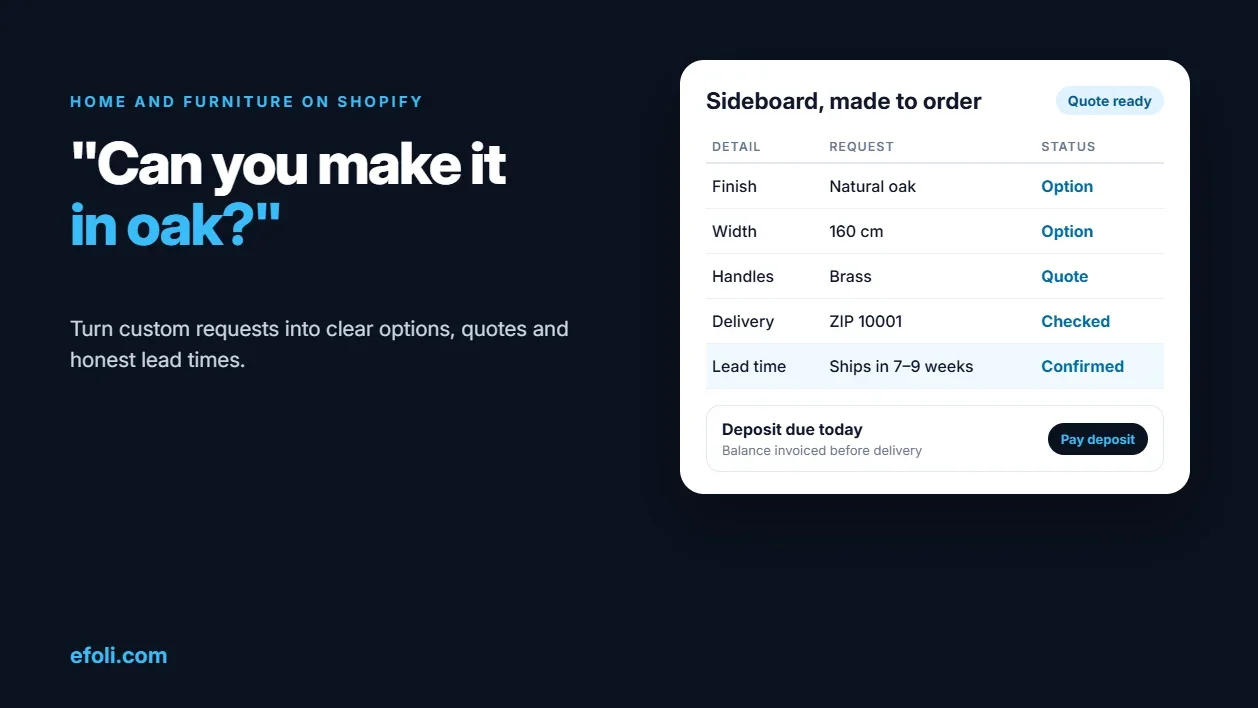
"Can You Make It in Oak?" Shouldn't End the Shopping Journey
November 23, 2026 • 17 min read
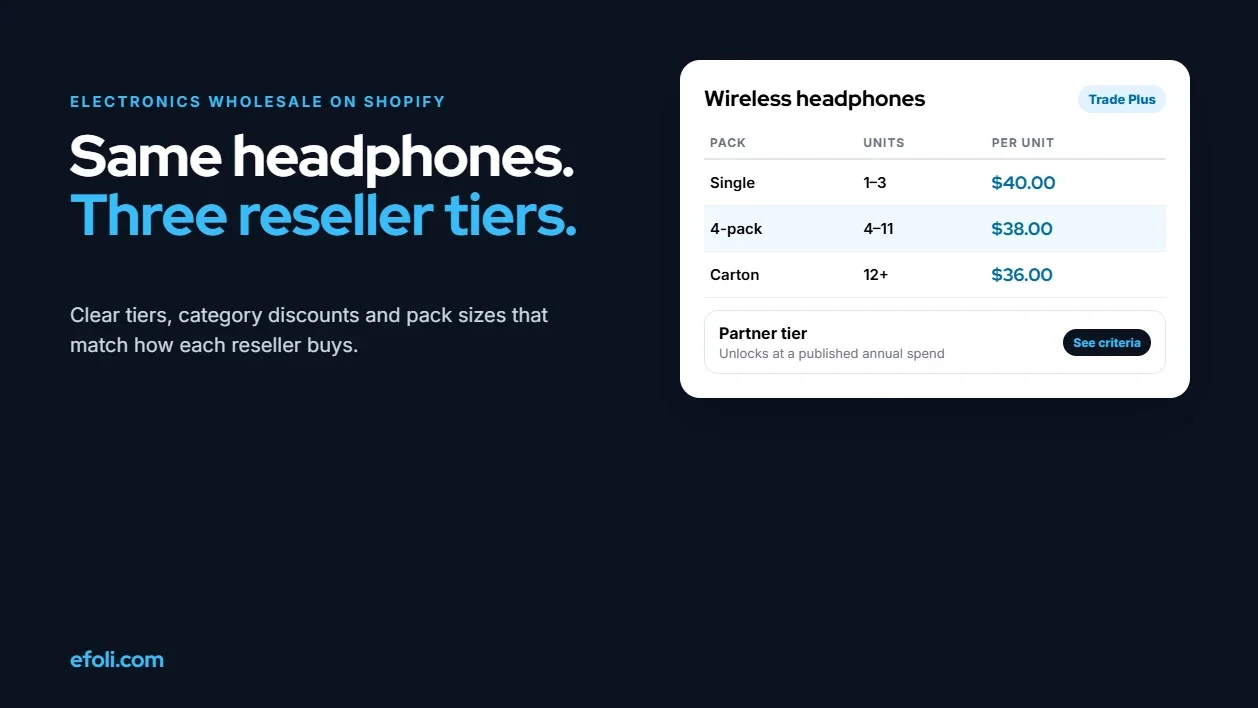
Same Headphones, Three Reseller Tiers: Why One Price Makes No Sense
November 20, 2026 • 17 min read
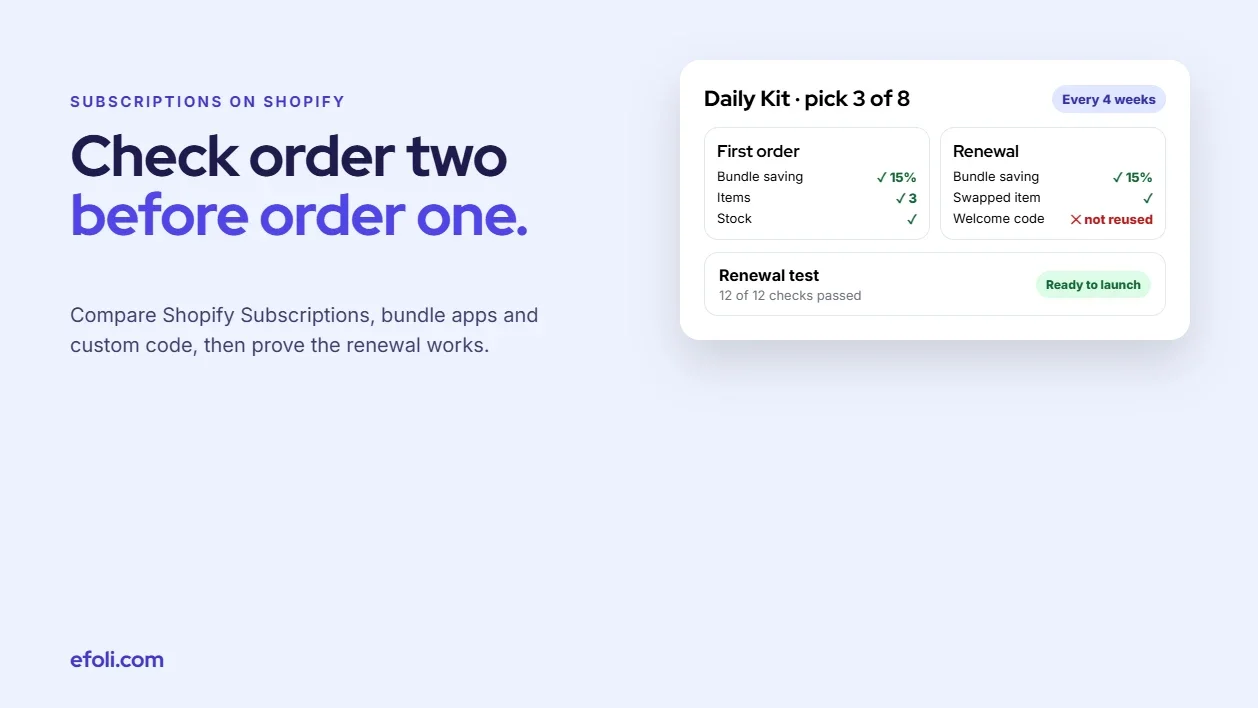
Shopify Subscriptions, Bundle Apps and Custom Code: Check Compatibility First
November 20, 2026 • 17 min read